We’re excited to explore the world of audio mixing consoles and the basics of live sound equipment. Whether you love music, organize events, or care about social causes, knowing about live sound mixers is key. It helps create unforgettable music moments.
Every successful event needs a great sound system, and it begins with the live sound mixer. If you’re new to live sound, it can feel overwhelming with all the options and technical terms. That’s why we’ve created this guide to help you start. For more detailed info, check out our resource on live sound basics at The Pro Audio Files.
Key Takeaways
- Learn the fundamental components of a live sound system
- Understand the role of a mixing console in live sound
- Discover the differences between analog and digital consoles
- Explore the importance of proper gain staging and EQ
- Get familiar with common terminology used in live sound
Understanding the Basics of Live Sound Mixing
Live sound mixing might seem hard at first, but it’s easier when you break it down. It’s about mixing different audio signals into one sound that makes everything better. Whether you’re a musician, event planner, or sound engineer, knowing the basics is key to great sound.
What is a Live Sound Mixer?
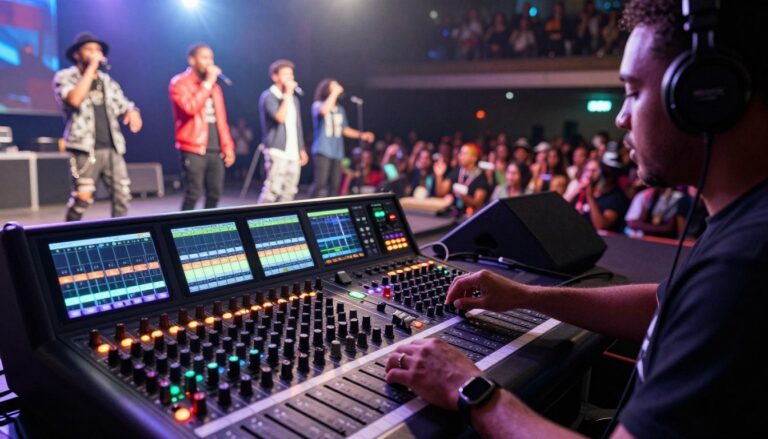
A live sound mixer, or mixing console, is a device that mixes audio signals. It’s vital for live shows, recordings, and speeches. It lets you tweak levels, tone, and more to get a clear sound.
Key functions of a live sound mixer include:
- Combining multiple audio signals into a single output
- Adjusting gain levels to optimize sound quality
- Applying equalization to enhance or correct tone
- Using effects such as reverb or delay to add depth to the sound
Essential Components of a Sound Mixer
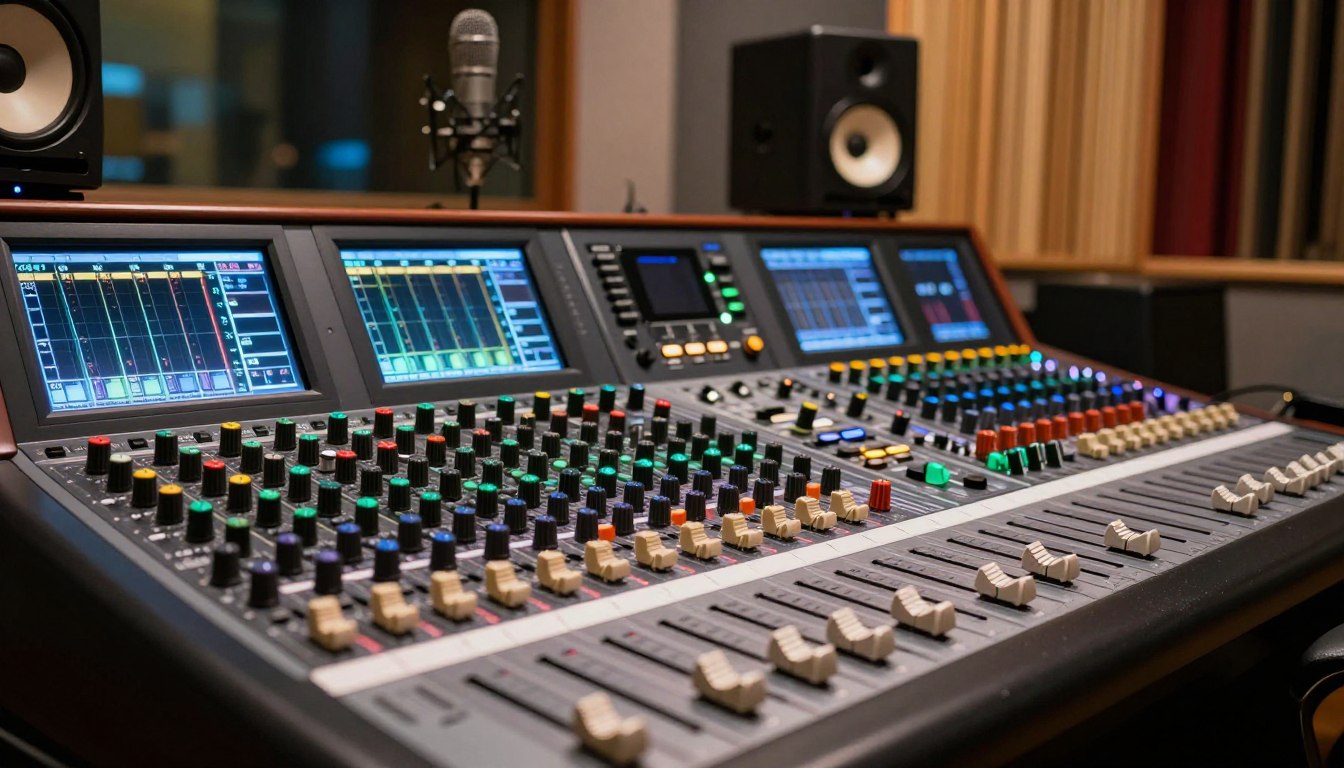
Knowing what a sound mixer has is important. It has input channels, gain control, equalization, and level faders. Each part is key to the sound you hear.
The input channels connect different audio sources, like mics, instruments, or playback devices. The gain control makes sure the signal is strong but not too loud.
Key Features to Look for in a Mixer
When picking a live sound mixer, look for certain features. These include how many channels, the type of equalization, built-in effects, and preamp quality. A good mixer makes your live sound better.
Other important features include:
- Phantom power for condenser microphones
- Auxiliary sends for monitoring or effects processing
- USB connectivity for recording or playback
The Role of a Live Sound Mixer in Events
A live sound mixer is more than just a tool; it’s the key to delivering a flawless audio experience at live events. It’s vital for musicians, DJs, and event planners to know how it works. This knowledge helps create unforgettable moments.

Importance in Live Performances
In live shows, a live sound mixer is essential for great sound. It lets you adjust multiple audio signals into one output. This makes it a must-have for any event.
The mixer can handle many channels and adjust levels live. This is key for keeping the audio quality high. Good sound is critical in live events, where energy matters a lot.
How Mixers Enhance Audio Quality
Live sound mixers improve audio by giving you control over gain, equalization, and level. This lets sound engineers tweak the sound for the best performance.
Using sound mixing techniques, engineers can make a balanced mix. This boosts the audio quality and makes the event more fun for the audience.
Also, modern mixers have built-in effects and processing. These features add depth and complexity to the sound. They make the audio experience richer and more engaging.
Key Features to Look for in a Mixer
Knowing what makes a good mixer is key for great live sound. The mixer is at the heart of your live sound setup. It decides how your audio signals are handled and played back.
Channel Count and Configuration
The number of channels on a mixer is very important. It tells you how many audio signals you can mix at once. More channels mean more flexibility, which is great for complex setups.
A mixer with 16 or more channels can handle a variety of inputs. This includes microphones and instruments.
| Channel Count | Typical Use | Flexibility |
|---|---|---|
| 8 Channels | Small Events, Band Practices | Limited |
| 16 Channels | Medium Events, Live Performances | Moderate |
| 32 Channels or More | Large Events, Complex Setups | High |
How you can route your audio signals is also important. Some mixers let you send signals to different places or effects processors.
Built-in Effects and Processing
Effects and processing built into your mixer can really improve your sound. Modern mixers often have effects like reverb, delay, and compression. These can make your audio sound richer and clearer.
Common Effects Include:
- Reverb: Adds ambiance to your sound
- Delay: Creates echo effects
- Compression: Controls dynamic range
As audio engineer, Bob McClay, once said,
“The right effects can transform a good sound into a great one.”
Connectivity Options
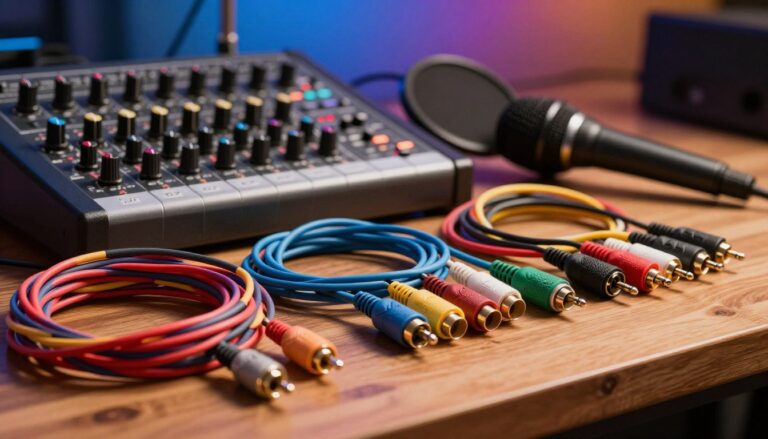
Connectivity is also very important. Make sure your mixer has the right inputs and outputs for your gear. You’ll need XLR inputs for microphones, TRS jacks for line-level devices, and sometimes USB for digital connections.
Having the right connections makes integrating your mixer with other equipment easy. This improves your live sound setup.
In conclusion, when picking a mixer, think about its channel count, built-in effects, and connectivity. Understanding these features helps you choose the right mixer for your needs. This ensures a great experience for your audience.
Digital vs. Analog Mixers
Choosing between digital and analog mixers is a big decision for live sound mixing. Each type has its own benefits and fits different needs and tastes.
Overview of Digital Mixers
Digital mixers come with advanced features. They offer effects processing and many connectivity options. This makes them great for complex live sound setups.
Some key benefits of digital mixers include:
- Ability to save and recall settings
- Advanced signal processing capabilities
- Flexibility in routing and configuring channels
Advantages of Analog Mixers
Analog mixers are loved for their warm, rich sound. Musicians and audio purists often choose them for their unique sound.
The advantages of analog mixers include:
- Simple, intuitive operation
- Warm, rich sound quality
- No risk of digital latency or signal degradation
Which is Right for You?
Choosing between digital and analog mixers depends on your needs and preferences. Here’s a comparison table to help you decide:
| Feature | Digital Mixers | Analog Mixers |
|---|---|---|
| Sound Quality | Clear, precise | Warm, rich |
| Effects Processing | Advanced, varied | Limited, external |
| Connectivity | Multiple options | Limited options |
Think about your specific needs and the benefits of each type. This will help you choose the right mixer for your live sound mixing.
Setting Up Your Live Sound Mixer
Setting up your live sound mixer is key to a great show. You must think about several things to use your gear well.
Choosing the Right Location
The mixer’s spot can really change the sound. It should be easy to see and reach. Don’t put it in a corner or against a wall, as this can mess with the sound.
Think about these things when picking a spot:
- Controls and meters should be easy to see
- The mixer should be easy to get to for adjustments
- Watch out for sound reflections and echoes
Basic Wiring and Connections
Right wiring and connections are vital for your mixer. Start by linking up the mics and instruments. Use the right cables and connectors to avoid signal loss or distortion.
Here’s a simple guide to wiring and connections:
| Device | Connection Type | Mixer Input |
|---|---|---|
| Microphone | XLR | Channel Input |
| Instrument | 1/4-inch TRS | Channel Input |
| Main Speakers | XLR or 1/4-inch TRS | Main Output |
Testing and Troubleshooting
After setting up, test your mixer to make sure it works. Check the audio levels, EQ, and effects. If problems pop up, check the connections, adjust the gain, and look at the manual.
Watch out for these common problems:
- Distortion or signal loss
- Incorrect gain levels
- Poor EQ settings
By following these steps, you’ll have your mixer ready for a great show.
Mixing Techniques for Live Sound
The key to great live sound mixing is knowing how to balance levels, EQ for clarity, and use effects wisely. You’ll learn how to make your audience’s ears happy.
Balancing Levels
Balancing levels is key in live sound mixing. It means adjusting each audio signal’s volume to blend well. You need to know how to use your mixer’s faders and gain controls.
Proper gain staging is vital. It makes sure your signals are loud enough to hear but not too loud to distort.
- First, set each channel’s gain to the best level.
- Then, adjust the faders to mix the levels right.
- Use solo to focus on and tweak each channel.
EQing for Clarity
Equalization (EQ) is a great tool for making your mix clear. By tweaking EQ settings, you can boost or cut specific frequencies. This makes your audio sound better and clearer.
- Find the frequency ranges that need tweaking.
- Use parametric EQs for precise adjustments.
- Check your mix on different speakers to ensure it sounds good everywhere.
Incorporating Effects
Effects like reverb and delay can make your mix more interesting. They add depth and space, making your sound more engaging. But, use them carefully to avoid over-processing.
For more on sound mixer skills, including using effects well, check out Trebas Institute’s blog.
Mastering these techniques will help you deliver top-notch live sound. Remember, the more you practice, the better you’ll get. Keep trying and improving your skills.
Understanding Mixer Interfaces
Mixer interfaces are the heart of live sound mixing. Knowing how to use them is key. Let’s explore how to navigate and use these interfaces well.
Navigating Controls and Faders
The controls and faders on a mixer help you adjust sound levels and tone. Gain staging is important here. It means setting the right gain levels for a clear signal without distortion.
To use these controls well, you need to know what each part does. The gain knob sets the input level, and the fader controls the channel’s overall level. Getting to know these parts is essential for live sound mixing.
Using Visual Displays
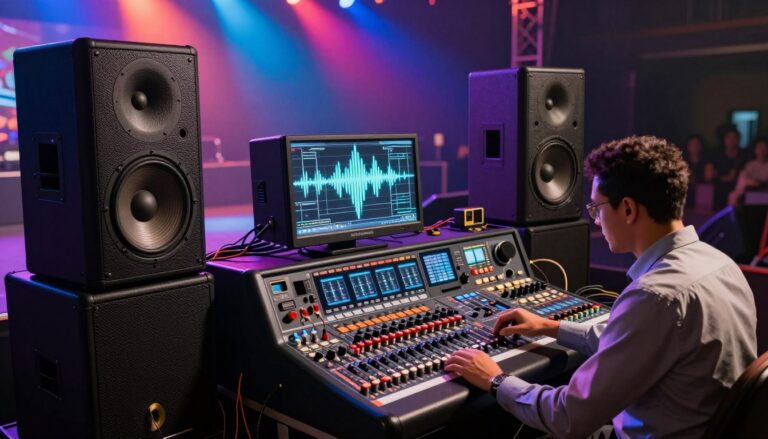
Visual displays on a mixer give you important feedback on sound quality. Meters and LED indicators show levels and help spot issues like distortion. This lets you adjust your mix as needed.
It’s important to know how to read these displays. For example, a peak meter warns you if your signal is too loud. Adjusting your gain or level based on this feedback helps keep the sound quality high.
Monitoring Sound Quality
Monitoring sound quality is a constant task during live performances. It’s not just about setting levels and EQ. It’s about making adjustments based on what you hear and see on your mixer’s interface.
| Monitoring Aspect | Mixer Interface Component | Adjustment Goal |
|---|---|---|
| Sound Levels | Meters and Faders | Optimal Level Setting |
| Frequency Balance | EQ Controls | Clear, Balanced Sound |
| Signal Quality | Gain Knobs and LED Indicators | Strong, Distortion-Free Signal |
By mastering your mixer’s interface, you can deliver top-notch live sound. This improves the experience for your audience.
Best Practices for Mixing Live Sound
Effective live sound mixing is an art that needs precision, creativity, and understanding of the audience. To get a flawless live sound experience, we must focus on several key factors.
Communication with Performers
One key aspect of live sound mixing is communication with performers. We need to know their needs and preferences. This ensures the audio signals are mixed as they expect.
- Conducting thorough sound checks before the performance.
- Maintaining open lines of communication during the event.
- Being aware of the performers’ preferences regarding their monitor mixes.
This way, we can tailor the mix to enhance their performance. It makes the experience better for both the performers and the audience.
Keeping the Audience in Mind
It’s important to cater to the performers’ needs but also keep the audience in mind. We adjust the sound to create a memorable experience for them. We consider:
- The size and layout of the venue.
- The type of event and the audience’s expectations.
- The overall energy and atmosphere we want to create.
By balancing these elements, we can deliver a live sound experience that resonates with the audience.
Adapting to On-the-Fly Changes
Unexpected changes can happen during a live event. Being able to adapt to on-the-fly changes is key. This might involve:
- Adjusting the mix in response to changes in the performance.
- Troubleshooting technical issues quickly.
- Being prepared for last-minute changes or cancellations.
By staying flexible and responsive, we can ensure the live sound experience remains high-quality despite any challenges.
Mastering these best practices for live sound mixing enables us to create memorable experiences for both performers and audiences. It’s a blend of technical skill, creativity, and adaptability. All these come together to elevate the art of live sound mixing.
Resources for Learning More
Music brings us together, and learning live sound mixing is key. We’ve found great resources to help you grow your skills.
Online Tutorials and Courses
Udemy, Coursera, and YouTube have lots of audio engineering lessons. They teach live sound mixing and the newest tech.
Recommended Reading
If you like books, there are many on audio engineering and live sound mixing. They cover the basics and advanced techniques. This helps you improve and keep up with the latest in the field.
With these resources, you’ll get better at live sound mixing. You’ll make music experiences that people will remember.