








Description
Product description


LARK A1 How to pair manualy?
1.RX: Hold pairing button 3s → indicator flashes.
2.TX (off): Long-press power 6s to enter pairing mode.
3.The 2 TX can be individually pairing with the RX.
(Note: Pairing blocked if TX connected. Units pre-paired before shipping.)
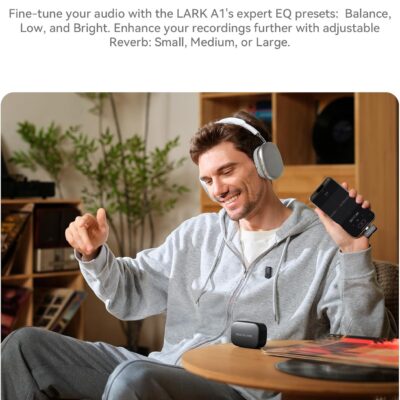
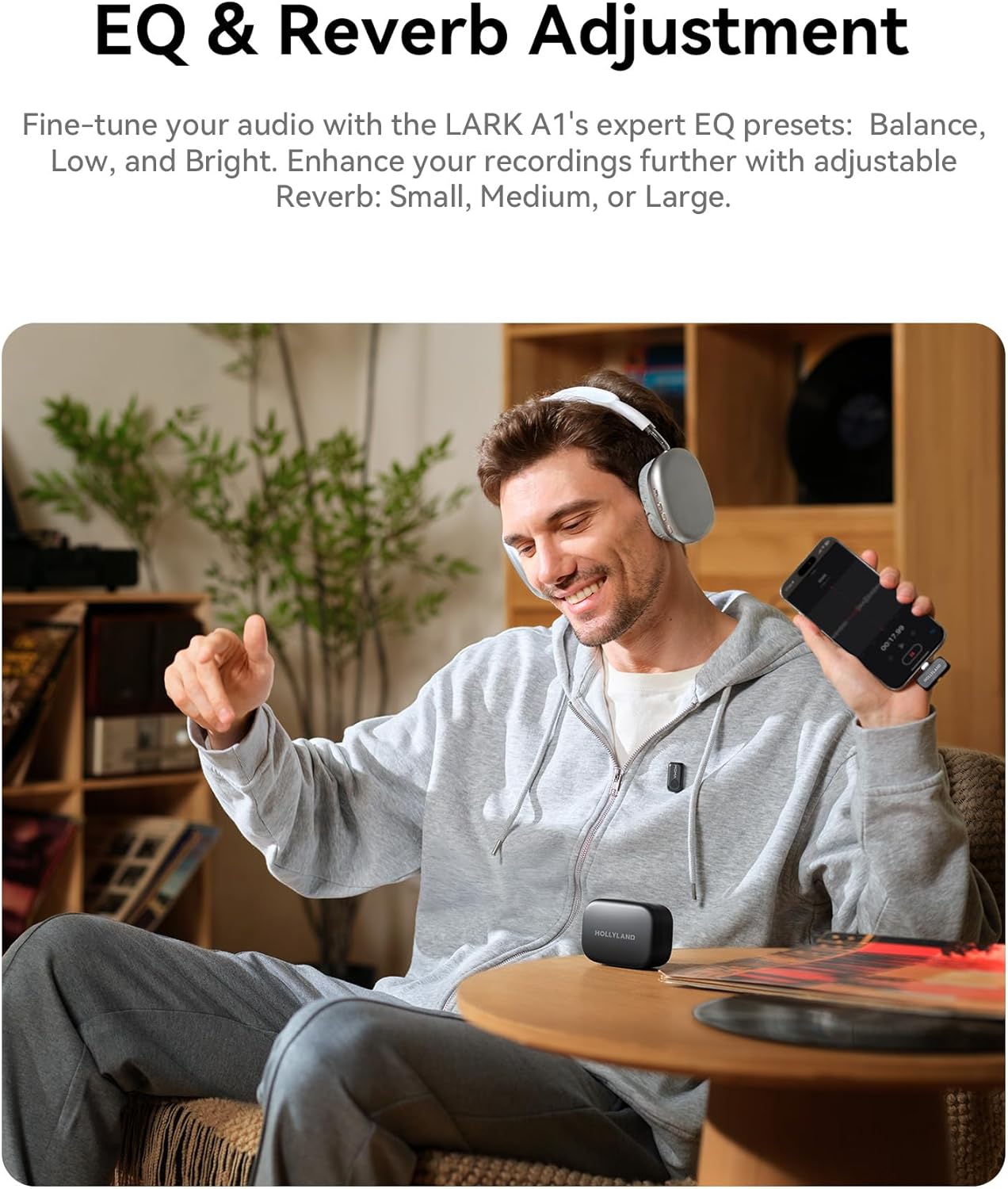
What scenarios are the EQ Adjustment and Reverb Adjustment of LARK A1 suitable?
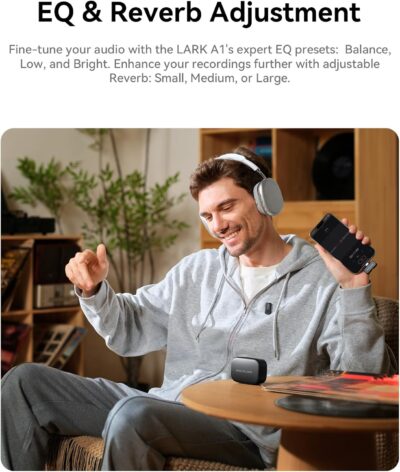
EQ Adjustment: Enhances voice clarity & naturalness. Reverb Adjustment: Adds fullness/thickness to sound.
Three-Level Reverb:
Small: Voice chat, recordings, short videos
Medium: video recording, podcasts
Large: Live singing
What is the TX Identification function of LARK A1?
When turning this function on will show different indicator light
● Purple: TX1
● Yellow: TX2
Note: When the NC on will only show green light
LARK A1 how to turn on mute function?
LARK A1 supports the mute function on TX and RX.
● On the TX side, double press the button to turn on current mic.
● On the RX side, double press the yellow button to mute mic1, triple press to mute mic 2.
Why TX indicator of LARK A1 does not light up?
LARK A1 supports Indicator light switch. After turning off the indicator light on the LARKSOUND APP, the TX indicator light will not light up.
From the brand
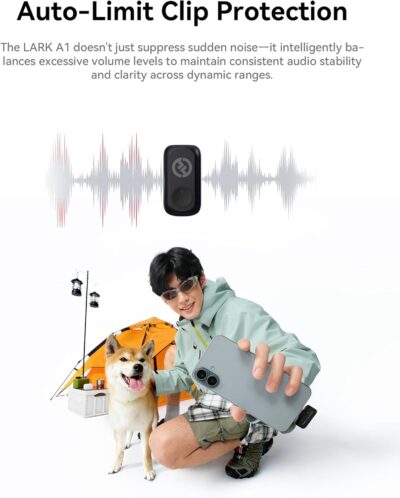
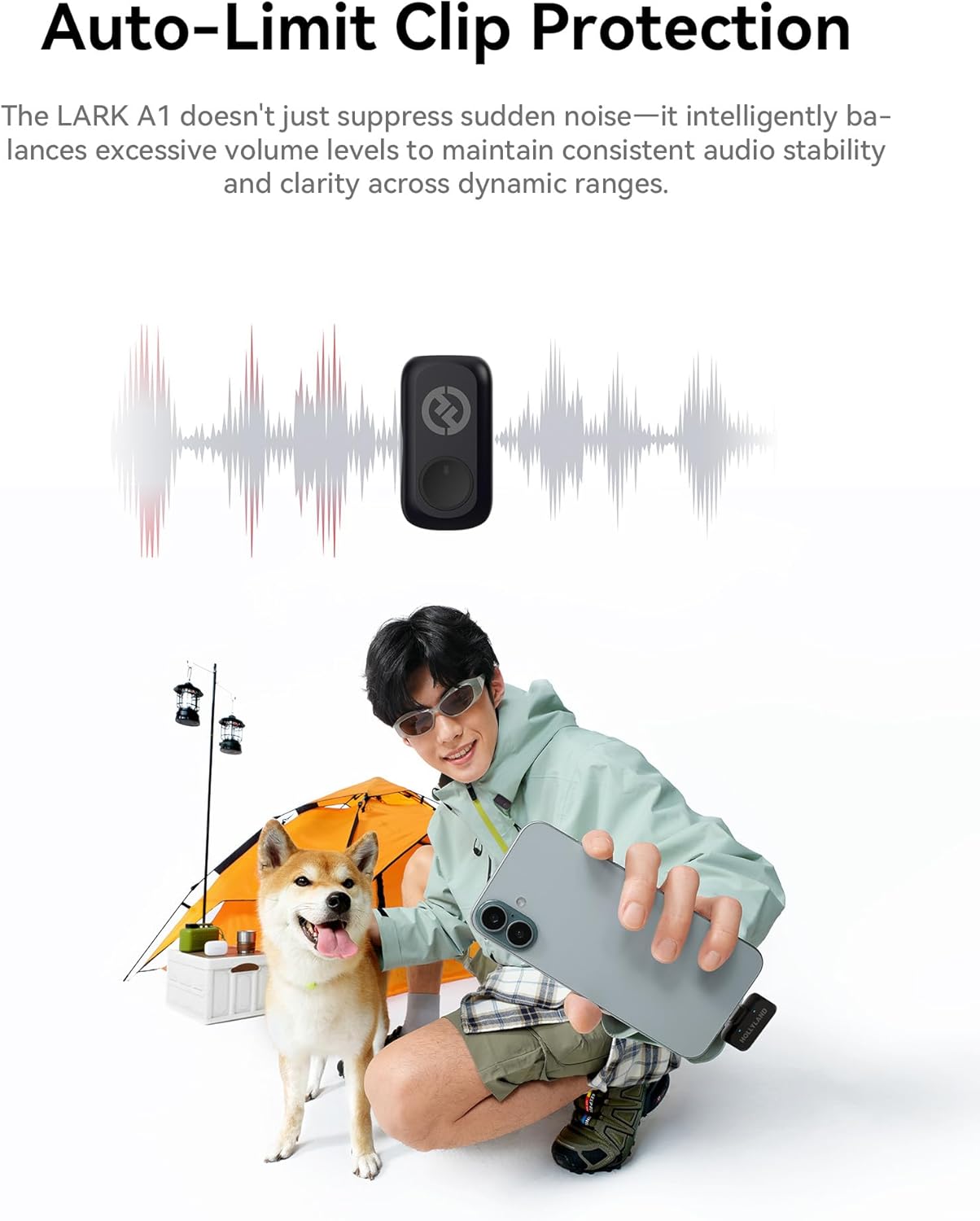
- Real 48kHz/24-bit Studio Sound — At a Price That Surprises: Experience true 48kHz/24-bit recording with powerful 120dB SPL handling. Capture crisp highs, rich lows, and distortion-free clarity—even during sudden loud moments. Professional audio performance without the premium price.
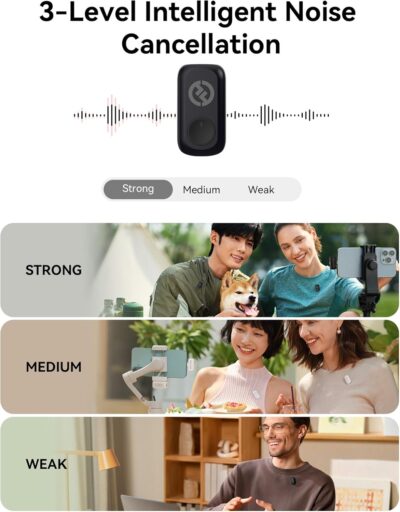
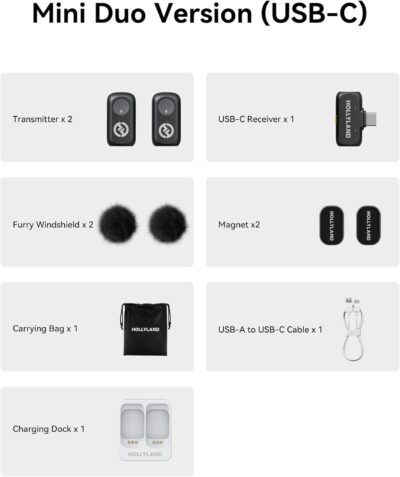
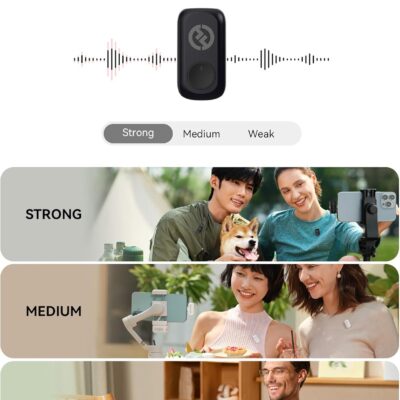
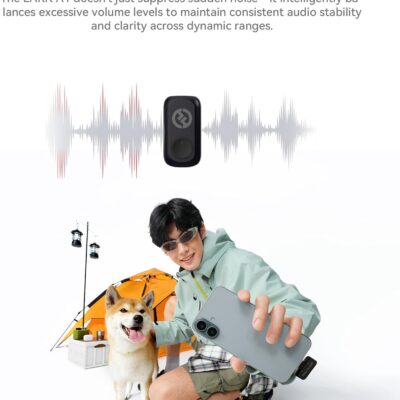
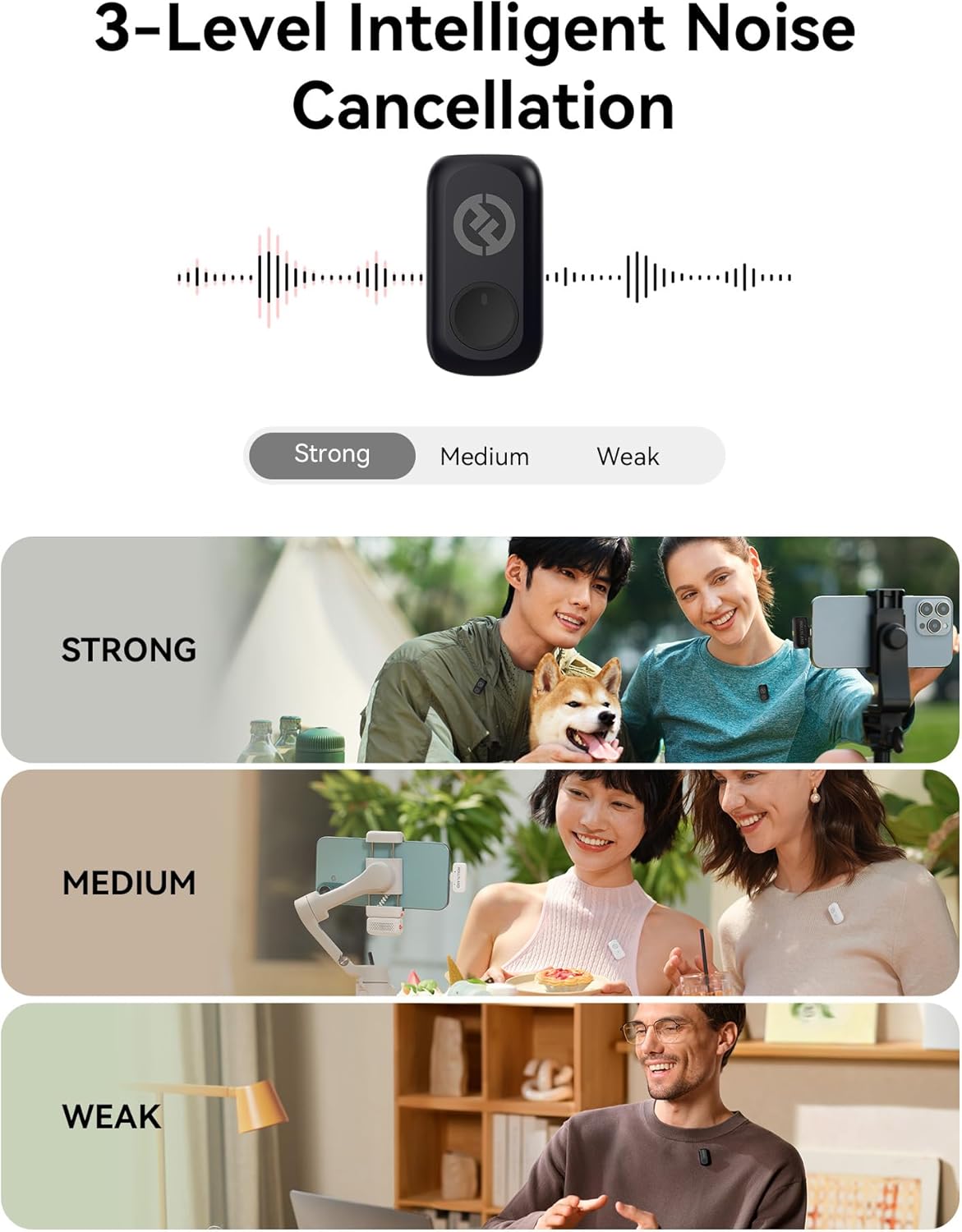
- Clear Voice Anywhere — Smart 3-Level Noise Cancellation: From windy streets to busy rooms, choose Weak, Medium, or Strong noise reduction to match your environment. Removes background noise without muffling your voice. Includes furry windshields for extra outdoor protection.
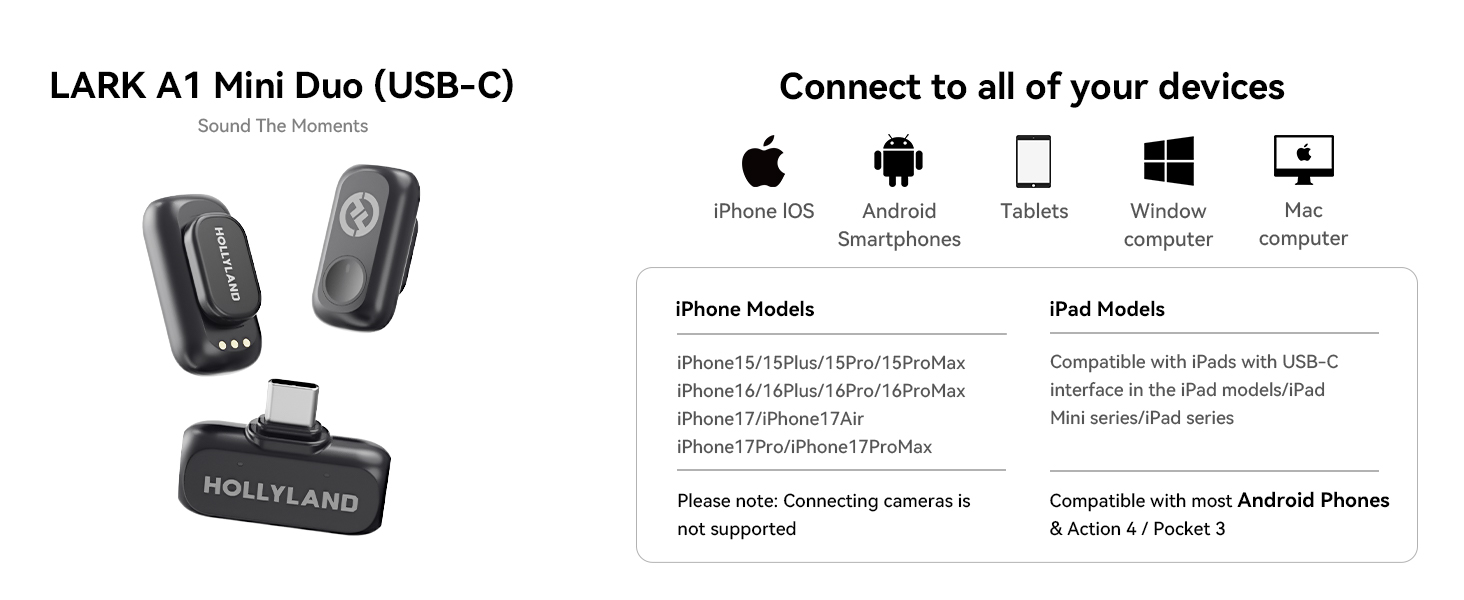
- Plug & Play for Live Streaming — No Bluetooth, No Dropouts: Just plug the USB-C/Lightning receiver into your phone and start instantly. Works for live streaming and video recording on YouTube, TikTok, Instagram Live, Zoom, and more. Direct receiver connection ensures smooth, stable audio every time
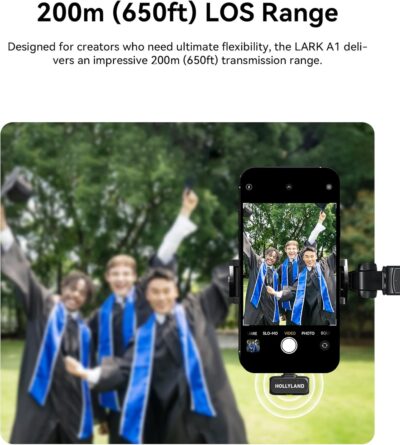
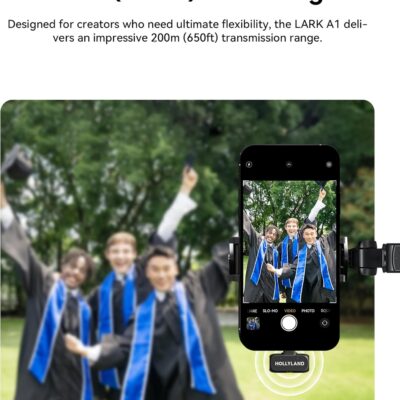
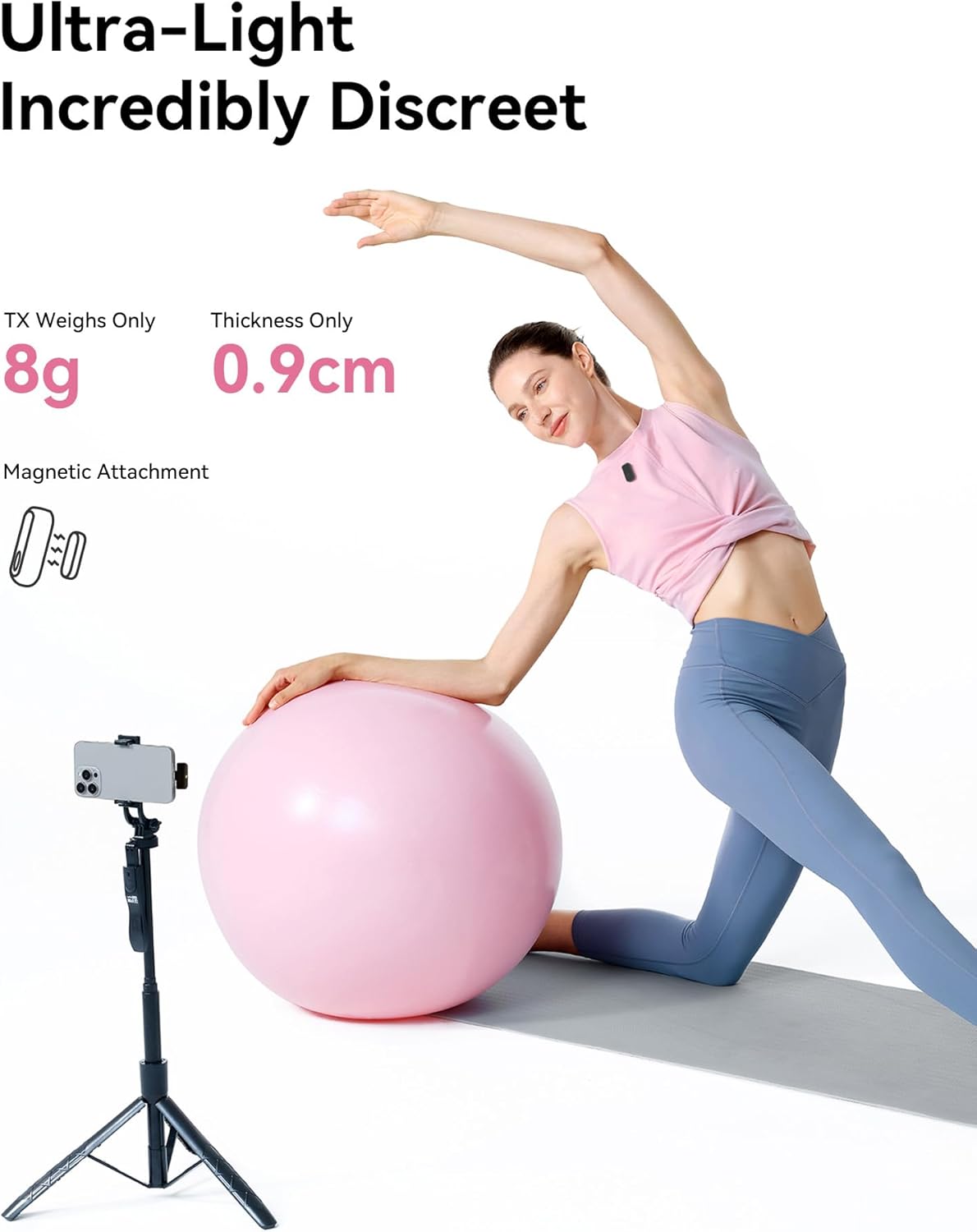
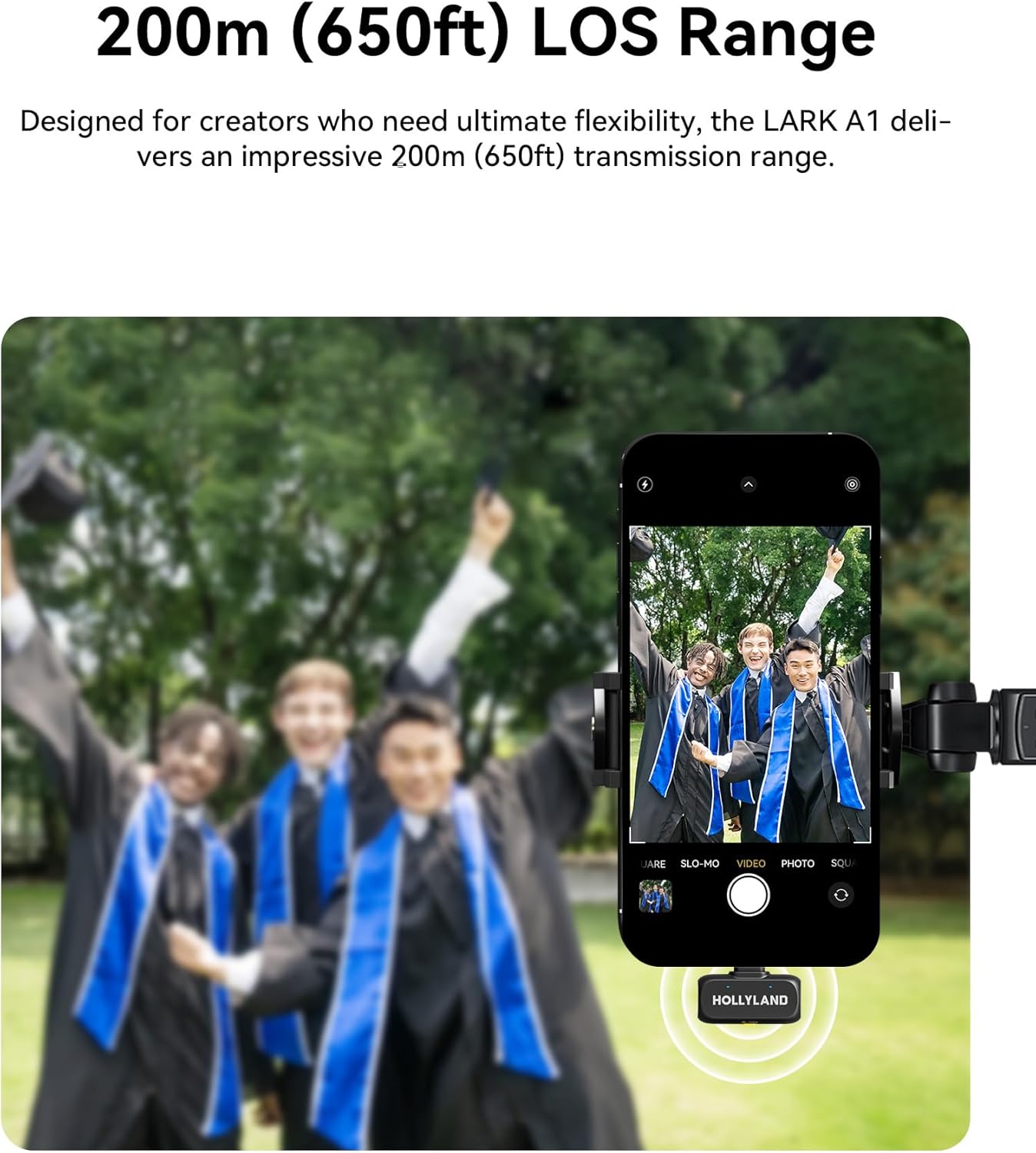
- 200m (650ft) Wireless Freedom — Move Without Limits: Enjoy up to 200m of stable transmission with anti-interference technology. The ultra-light 8g magnetic mic clips securely and stays in place while walking, presenting, or filming on the go.
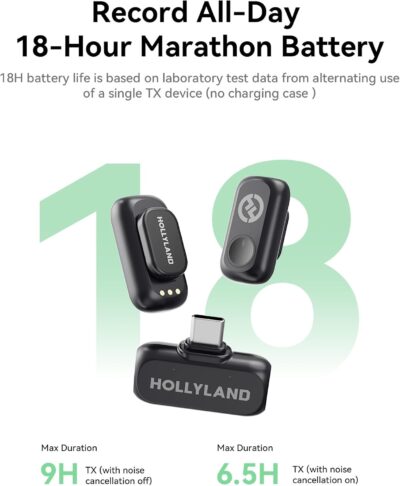
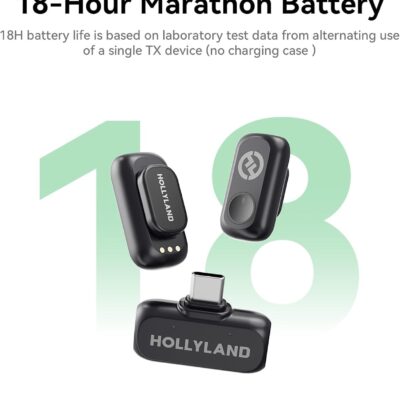
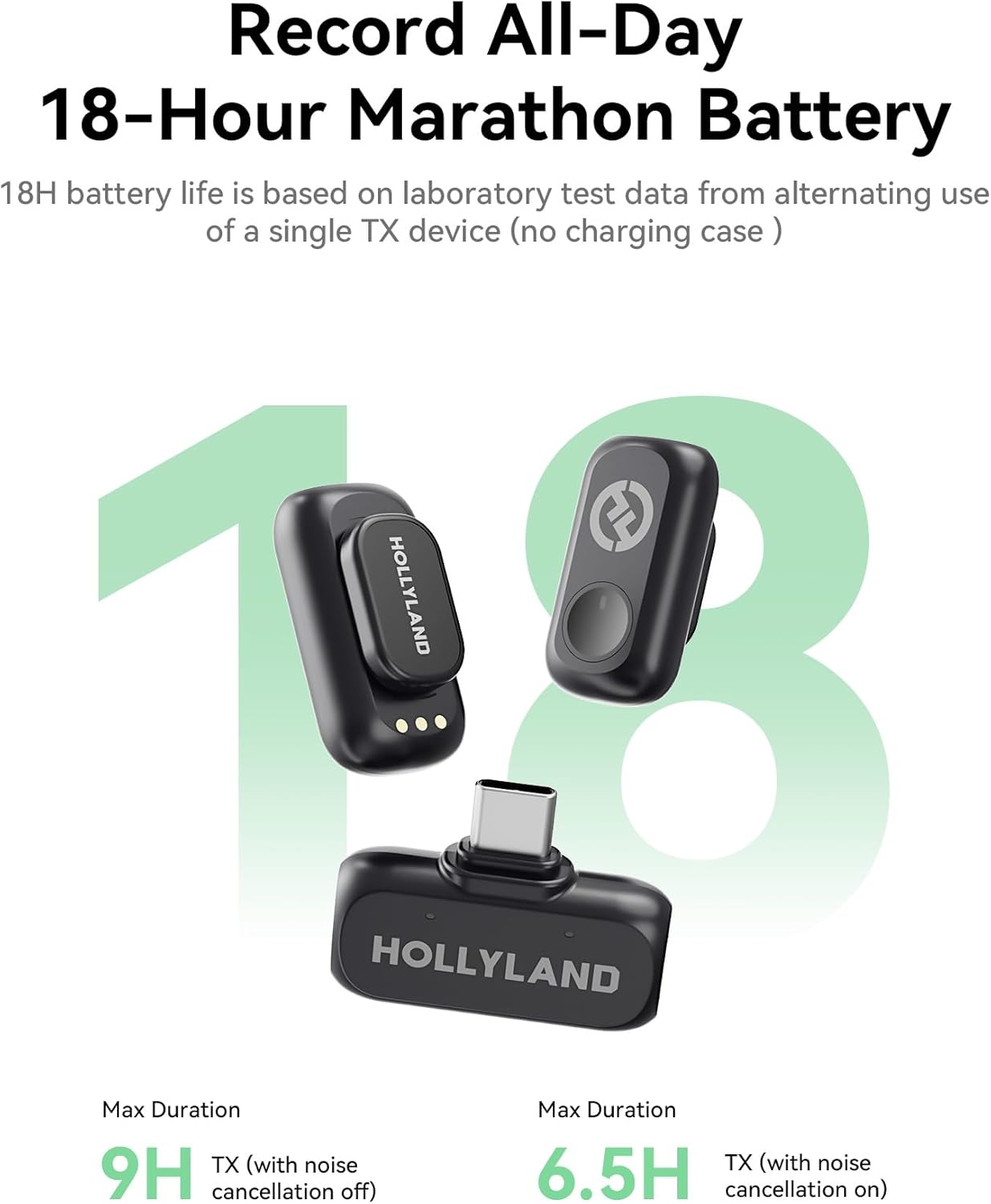
- Up to 54 Hours Battery — Far Beyond Typical Mini Mics: With the charging case, enjoy up to 54 hours of total battery life—dramatically longer than standard 10–16 hour systems. Shoot all day, stream all night, without battery anxiety.


Reviews
There are no reviews yet.