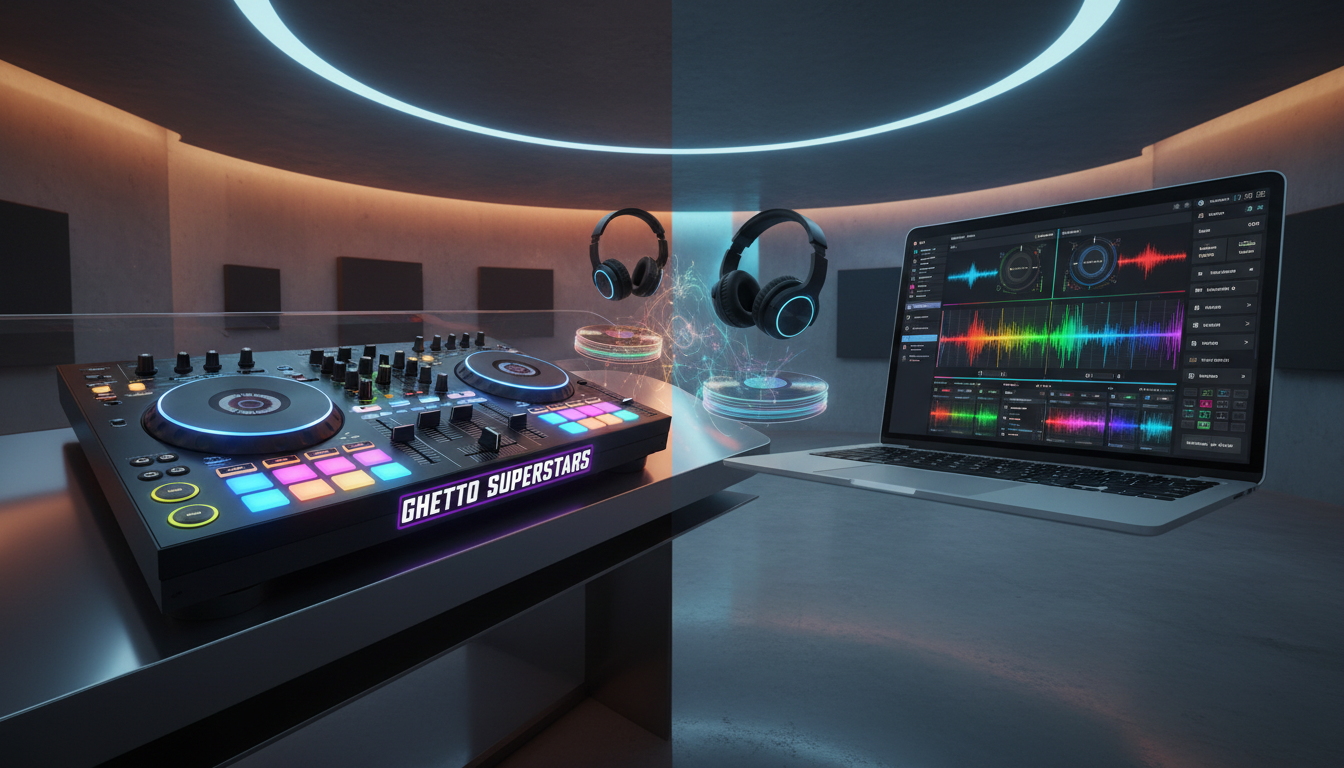
Can a single choice shape your first gigs, your budget, and the way you build moments on stage?
We meet you where you are: a beginner weighing control feel, reliability, portability, and the real total setup cost. In a world where music now blends with immersive visuals—light shows, 3D mapping, interactive displays—this choice feels bigger than ever.
Think of it as a workflow decision. Do you want to touch and shape sound in real time, or design sets mainly on-screen? Both paths lead to growth. But picking gear that fights your style wastes years, money, and confidence.
We’re Ghetto Superstars — your creative hub for music, events, and social impact. Use our Free AI Music Tools, stream and download mixes, visit our shop, or contact us. Everything in one place to help you practice more and stress less.
You’re not alone. Book or inquire: +256 741 669 338, services@ghettosuperstars.co. Let’s map your first set and your career, together.
Key Takeaways
- Frame the choice as a workflow: touch vs. screen matters for live feel.
- Consider total setup cost, not just sticker price.
- Modern djing mixes audio with visuals—plan connectivity and portability.
- Ghetto Superstars offers tools, mixes, shop, and event services in one place.
- Practice more, stress less: community support speeds skill growth over years.
Understanding the Two Paths: DJ Hardware and DJ Software in Today’s DJing World
Start by picturing two toolkits: physical decks and screen-driven apps. We break them down so you can choose what fits your style and budget.
What physical gear means for beginners
Physical gear is the tactile world: mixers, turntables, cdjs, and controllers you can touch. A mixer is the brain that blends channels. Players like turntables and cdjs feed those channels.
What laptop-first systems offer
Software lives on a laptop. Apps manage your library, sync grids, and give built-in tools for cueing, looping, and recording. Many beginners pair a laptop with a controller because it bundles features into one compact path.
Audio + visuals: the modern reality
Performances now fuse audio with visuals—light shows, 3D mapping, interactive displays. Your choice of gear or apps affects how easily you trigger those cues live.
- Effects can be inside apps or on mixers and external units.
- Common beginner setups: bedroom practice rigs, mobile party rigs, and club booths.
We’re Ghetto Superstars. Use our Free AI Music Tools to craft setlists and event ideas that match your sound.
DJ Hardware vs software: The Core Differences That Matter Most
Feel matters: what you touch changes how you play.
Control split into two clear worlds. Physical knobs, faders, and buttons teach your hands fast. On-screen mapped controls give vast features, but they ask you to look down more.

Reliability affects performance every gig. Dedicated gear tends to stay steady. Laptops can crash, glitch, or battle drivers at the worst moment.
“Prep updates, test USB ports, and lock power settings—small checks keep the music flowing.”
Portability is a trade. A laptop/controller makes quick load-ins and compact setups. Larger mixers or turntables need booth space, more cables, and careful packing.
- Feature depth: software hardware combos offer deep libraries, stems, and in-app effects.
- Connectivity: mixers with multiple channel inputs blend turntables, mics, and external sources.
- Recording: laptop-first workflows make capture easy; physical gear may need extra routing.
Listen to our mixes to hear these choices in action and learn energy control and EQ moves. Check what what djs use for real-world context.
DJ Hardware Pros and Cons for Beginners
Touch changes timing: faders and knobs train your instinct the fastest.
Why physical gear feels “pro”: hands-on workflow and physical feedback
Real controls give instant tactile cues. Your hands learn where the EQ and gain live. That muscle memory speeds mixing and cuts hesitation.
Confidence follows quick moves. When you can grab a fader or kill a band with one hand, you spend less time in menus and more time performing with intention.
Durability and long-term investment: built for live performance
Quality mixers and decks are built to handle heavy use. They survive long nights, frequent plug/unplug, and loud booths.
“Good gear lasts for years when you maintain it—real value over time.”
Tradeoffs to plan for: higher cost, extra space, and more gear to carry
Expect higher upfront cost and dedicated home space for practice. A full setup often needs cases, cables, and occasional maintenance.
Think in 6–12 month steps. Buy what helps your next stage of growth, not someone else’s dream rig.
- Where hardware shines: stable outputs, predictable sound, strong live performance reliability.
- What to plan: space at home, transport cases, extra equipment like audio interfaces.
- Community tip: try gear in our shop and lean on peers—growing with others speeds your career.
| Aspect | Benefit | Tradeoff | Beginner action |
|---|---|---|---|
| Mixers | Tactile controls, multiple inputs, standalone hub | Size, cost, extra cables | Test EQ feel in person before buying |
| Turntables / CDJs | Classic control, vinyl feel, robustness | Expensive, requires space and needles/media | Rent or borrow for a few gigs first |
| Controllers | Compact, integrated controls, easy practice | Often tied to laptop and software | Pick a controller that matches your learning goals |
DJ Software Pros and Cons for Beginners
A compact laptop setup gives you serious creative power without a truckload of gear.
Cost-effective and feature-rich. Many apps bundle dozens of effects and features—echo, reverb, filters, flangers, and delays—so you get a lot without buying extra boxes.
That lowers initial cost and saves you money while keeping pro workflows like beat grids, hot cues, and easy recording.
Portability wins
A laptop plus compact controllers travels easy. Practice in a dorm. Play a house party. Move to a small venue.
This kind of setup boosts portability and speeds your growth. We use Free AI Music Tools to build names, setlists, and event ideas that fit tight rigs.
Common limitations
Mapped knobs on controllers often simplify parameters. Deep tweaking usually pulls your eyes back to the screen.
You get wide creative range, but some control lives on the laptop. That tradeoff affects live focus and timing.
Live risks and dependence
Careful: laptops can crash, drivers misbehave, and updates break compatibility. Stability matters. Backups matter.
“Prep a stability checklist: battery, drivers, and a tested audio path.”
Final note: learning on this path is fast and inspiring. Use our mixes and AI tools to hear how effects and clean mixing choices translate into real performance.
Controllers vs Mixers: Choosing the Right Gear Category If You Go Hardware
Your first big choice: a compact all-in-one or a standalone mixing hub?
What a controller does
Controllers are all-in-one units that feel like a mini booth. They combine jog wheels and a mixer section and connect to a laptop via USB to control software. That makes practice and travel simple.
What a mixer does
Mixers are standalone hubs. They accept multiple inputs — turntables, CDJs, samplers, and microphones — with phono/line switching and XLR outs. A mixer gives you real autonomy on stage.
Autonomy, channels, and practical tradeoffs
More channels mean more ways to route sound, run back-to-backs, and patch external equipment. A mixer can perform without a laptop, but it still needs sources like two decks or players.
Beginner setup reality and cost
If you have limited space at home, a controller usually wins on footprint and portability. A mixer plus two decks asks for room and extra cases.
- Buying checklist: solid outputs, reliable faders, the connection types you’ll use (RCA/XLR), and mic inputs.
- Cost note: controllers can lower initial total cost, but mixers scale better as your collection of gear grows.
- Pro tip: Browse our shop to test options and match your next upgrade to the way you play.
Effects and the Hybrid Approach: When Hardware and Software Work Better Together
Effects shape a set. They move energy, smooth transitions, and make your mixes feel alive.
What effects do is simple: they change sound in real time—echo, reverb, filters, flangers, delays. That lets you build tension and release. Use them sparingly and with intention to keep the room connected.
Hardware effects versus software effects
Hardware effects are physical processors and mixer FX that work on any audio routed through them. That means turntables, cdjs, mics, and external instruments all gain the same character. Units like Kaoss Pads, guitar pedals, vintage analog boxes, and mixer FX from Pioneer DJM or Allen & Heath Xone add tactile immediacy.
Software effects live in apps like Serato, Traktor, Rekordbox, and VirtualDJ. They give vast libraries and deep editing. Most process audio inside the app, though Traktor can accept external inputs—an exception that matters when you plan a hybrid setup.
Signature sound options and the hybrid setup
External pedals and vintage gear give you a personal sonic fingerprint. Those choices become part of your identity.
The hybrid approach combines tactile controls with software variety. Modern controllers and mixers (examples include Rane One MkII and Pioneer DDJ-REV7 style designs) pair built-in hardware FX with tight software integration. That gives fast, hands-on moves plus deep creative tools.
Best-fit scenarios
- Controller-only performers: lean on software effects for variety and quick updates.
- Performers with external gear: prioritize hardware effects to color any input source.
- Mixed-source artists: use a hybrid setup to get the best of both worlds—reliable tactile control and rich software libraries.
Listen to our mixes to hear tasteful timing and restraint. We build tools, runs, and events at Ghetto Superstars to help you translate effects into moments that matter.
| Effect Type | Processes | Control | Best for |
|---|---|---|---|
| Built-in mixer FX | Any routed audio (turntables, cdjs, mics) | Dedicated knobs/buttons on the mixer | Live booths and mixed inputs |
| External pedals / vintage units | Any audio passed through the unit | Physical footswitches, knobs for hands-free or tactile use | Signature sound and performance flair |
| Software FX | Tracks inside the app (exception: Traktor with external input) | Mapped controls or screen-based editing | Deep libraries and rapid experimentation |
Conclusion
Decide by what gets you practicing more and worrying less. The real choice comes down to workflow, budget, portability, and whether you mix external sources like cdjs or turntables.
Hardware gives tactile control and reliability. Software brings features, speed, and lower initial cost. The hybrid approach blends both for maximum flexibility and unique sound. Read more on effects and practical setups here.
We’re a community. Use our Free AI Music Tools: https://ghettosuperstars.co/free-ai-music-tools/ and stream mixes for practice: https://ghettosuperstars.co/download-mixes/.
Need pro support in Uganda or want gear and community impact? Visit our services and shop pages: https://ghettosuperstars.co/services/. Call or email us anytime — 📞 +256 741 669 338 | 📧 services@ghettosuperstars.co.
Music connects us — and everything you need starts here.