











Description
Product description


Why there is no sound output?
Our midi pad doesn’t sound alone. Make sure you have installed DAW or other softwares on your computer/mobile devices. You can also seek help from Donner Online Customer Team for a Melodics or Cubase Kit code.
Seems it is not compatible with my tablet or mobile phone, what’s the matter?
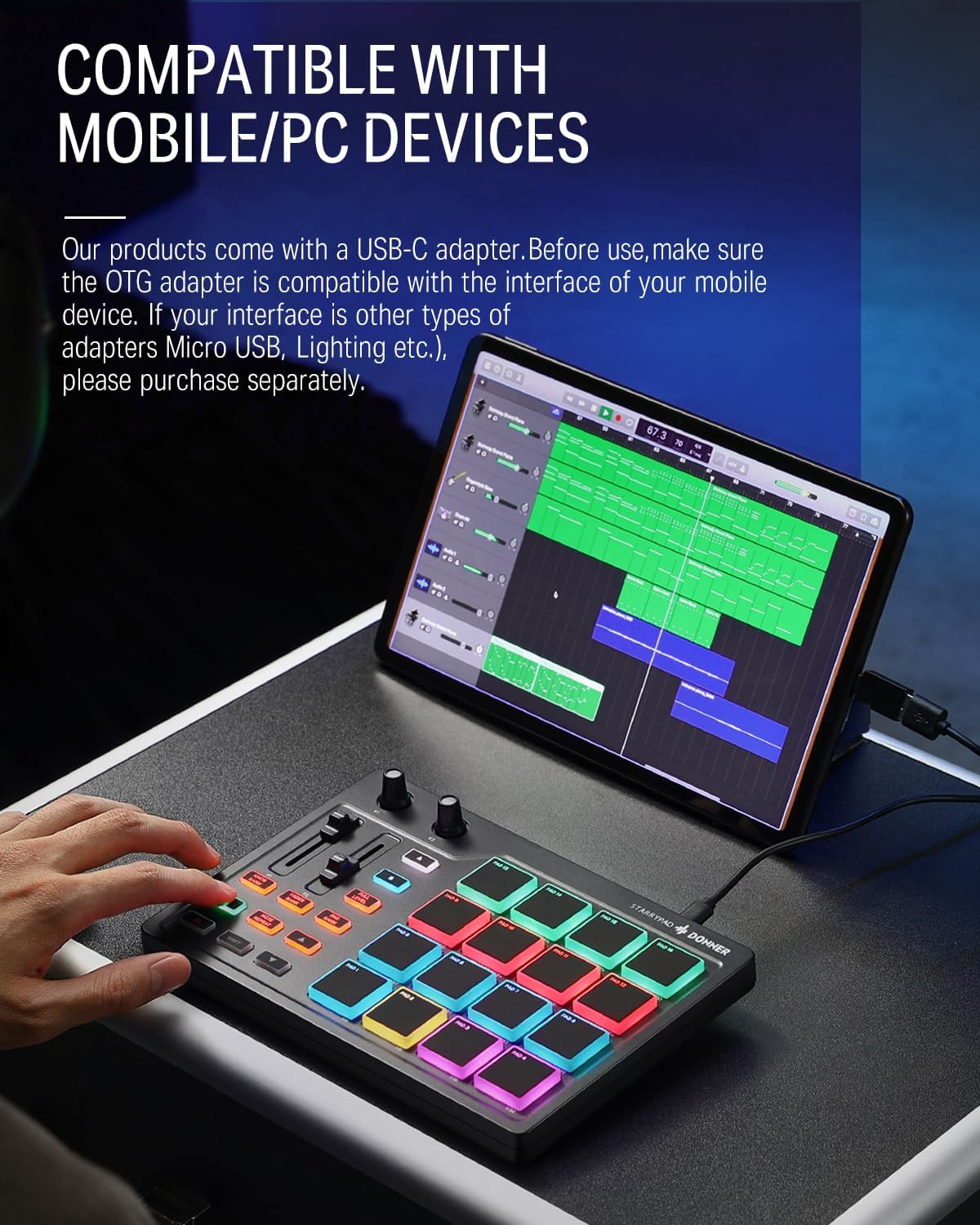
Check the input interface of your tablet or phone. If your tablet or phone input port is USB-C, you can connect it with the OTG cable in the package. If your tablet or phone input port is lightning port, you need to buy USB-A to lightning OTG cable.
What systems are compatible with this product?
Our starrypad is compatible with phone, tablet and computer. Android, ios, windows and mac are compatible. Make sure you download appropriate softwares compatible with these syestems to use.
When I connect my DAW software, it does not respond.
1.Check if the USB cable is intact and make sure the USB cable is connected to the port of your devices.
2.Check the MIDI signal. Select the starrypad model correctly in the MIDI settings in the software settings.
3.Check volume and audio settings.
One or several pads do not produce sound.
1.Check if there are impurities (such as food or liquid) getting into the midi pad.
2.Try to use another interface of the computer, phone or tablet or another cable.
3.Try to reboot the MIDI pad and the computer.
4.Let us know for further details.
OTG Adapter Using Instruction 
Generally speaking, the OTG adapter’s connection should be Micro USB, USB-C or Lighting. Note: Our products come with a USB-C adapter, if your interface of mobile device is other types, please purchase corresponding OTG separately by yourself.
Donner MIDI Series
From the brand
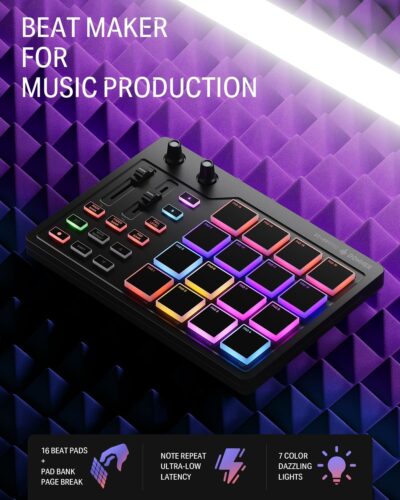
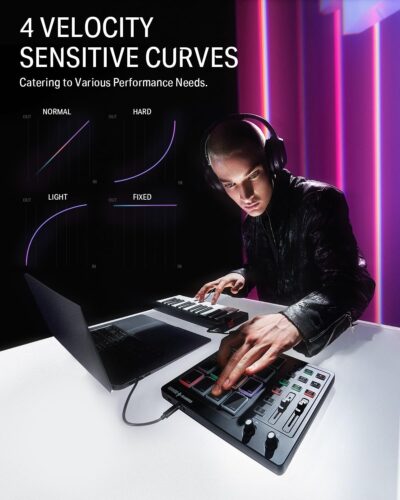
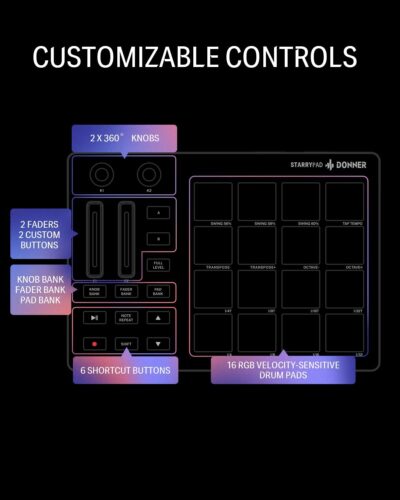
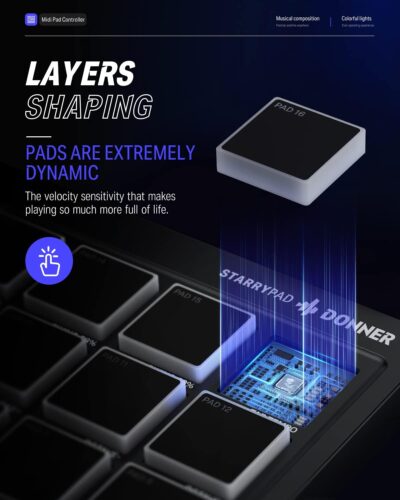
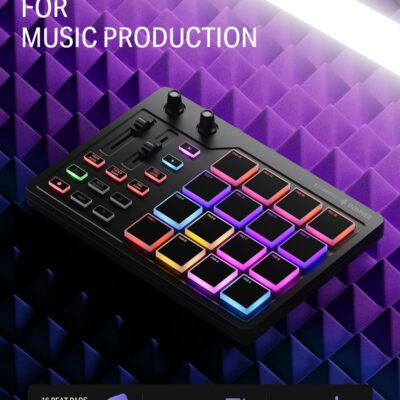
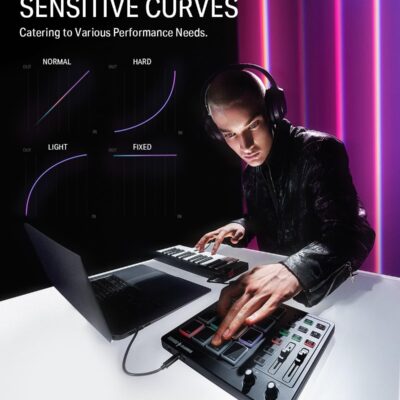
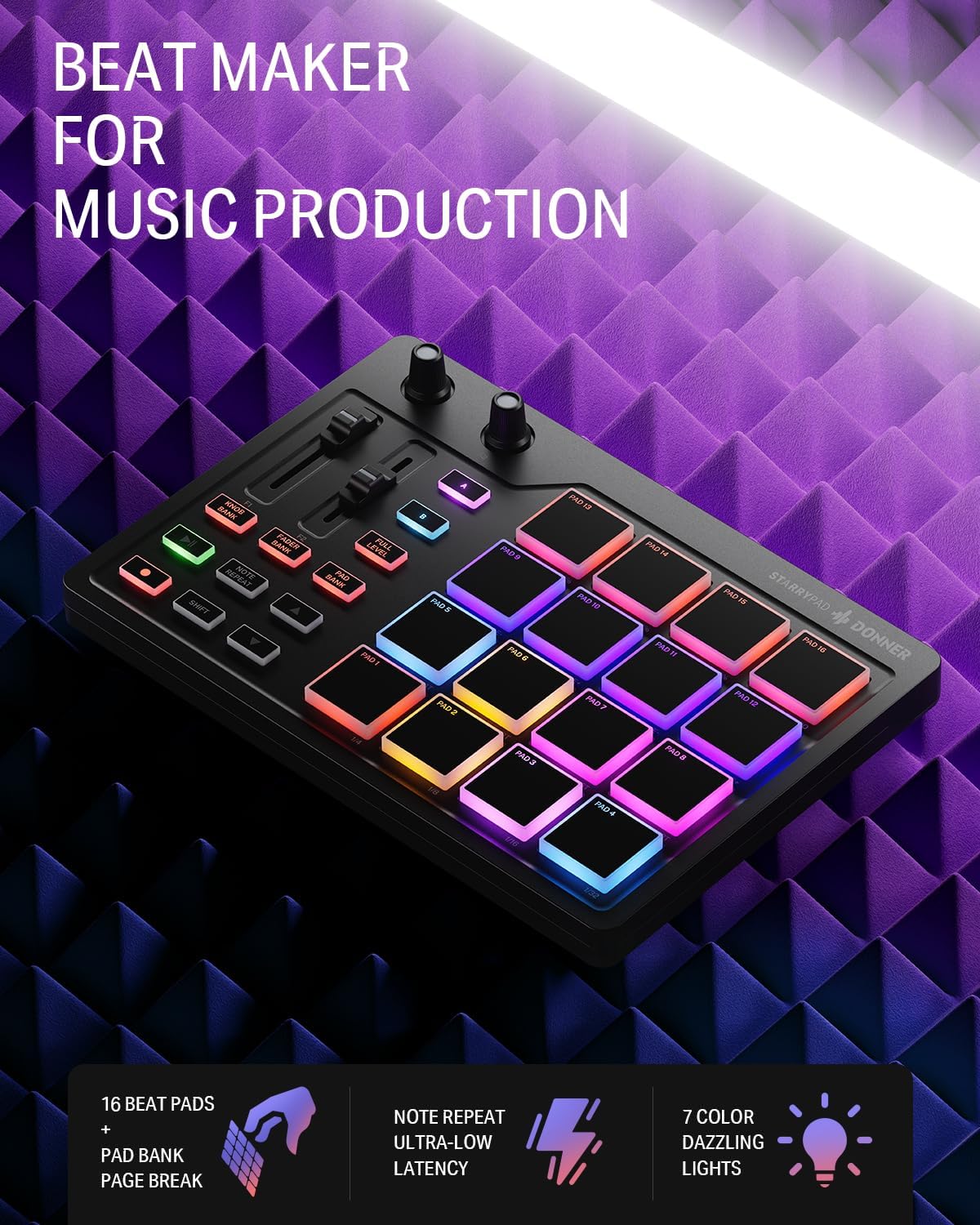
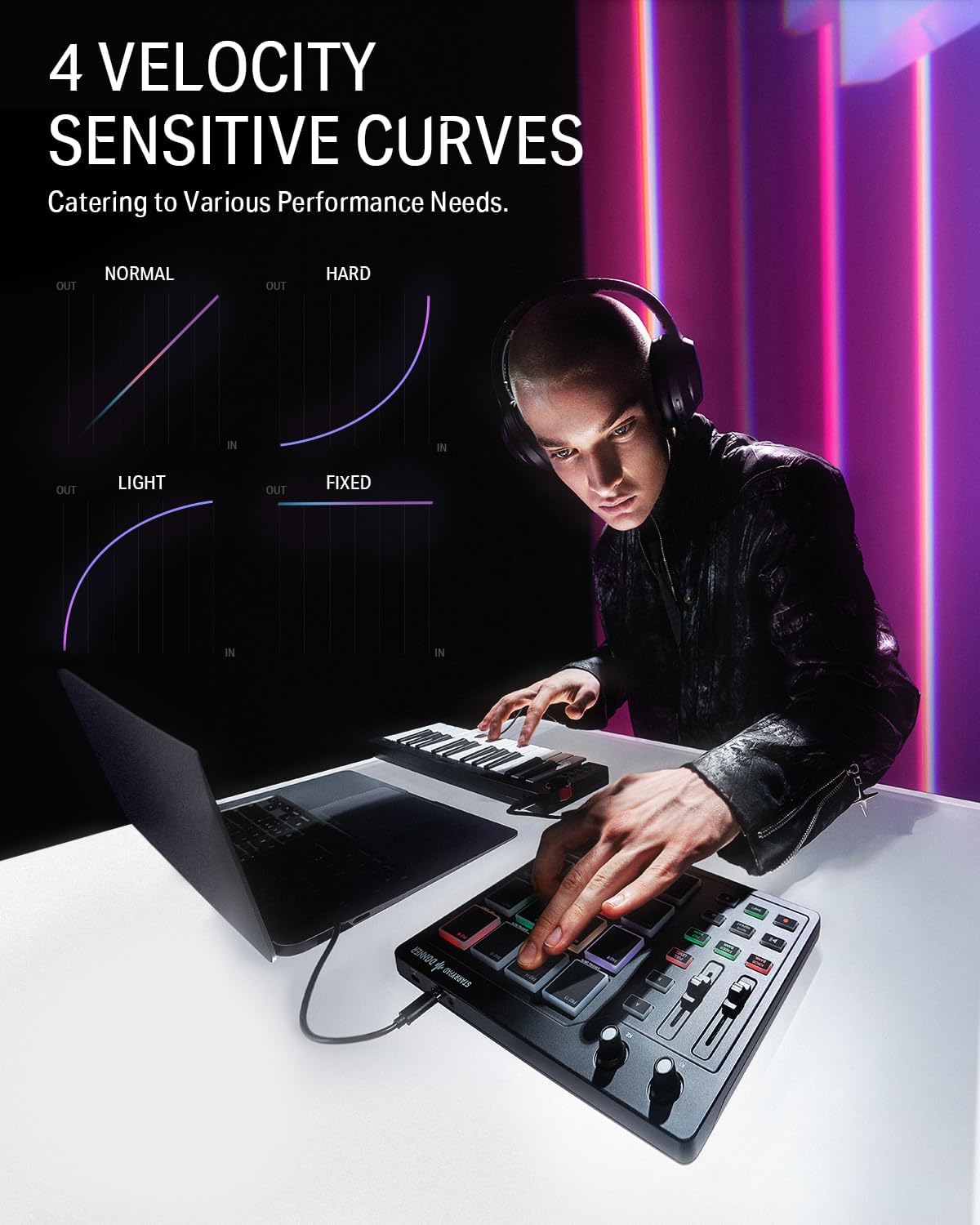
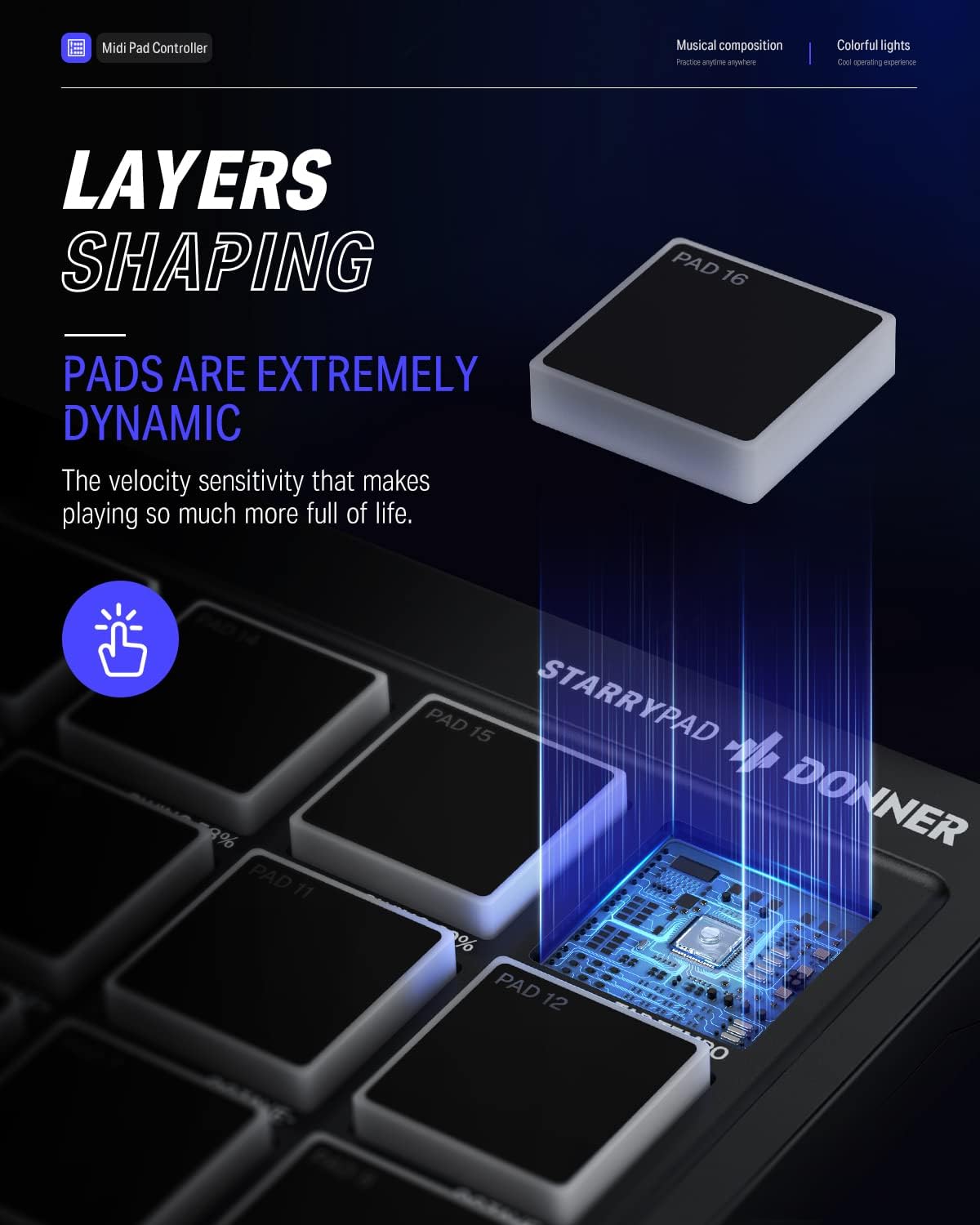
- 16 Pad Controller with customizable lighting: The midi drum pad STARRYPAD’s 16 soft silicone backlit pads can trigger drums, samples, effects and more; One button push allows you to quickly switch between 3 different pad banks for a total of 48 assignable pads; In addition, the beat maker STARRYPAD comes with adjustable velocity sensitivity curves. Perfect for all music makers
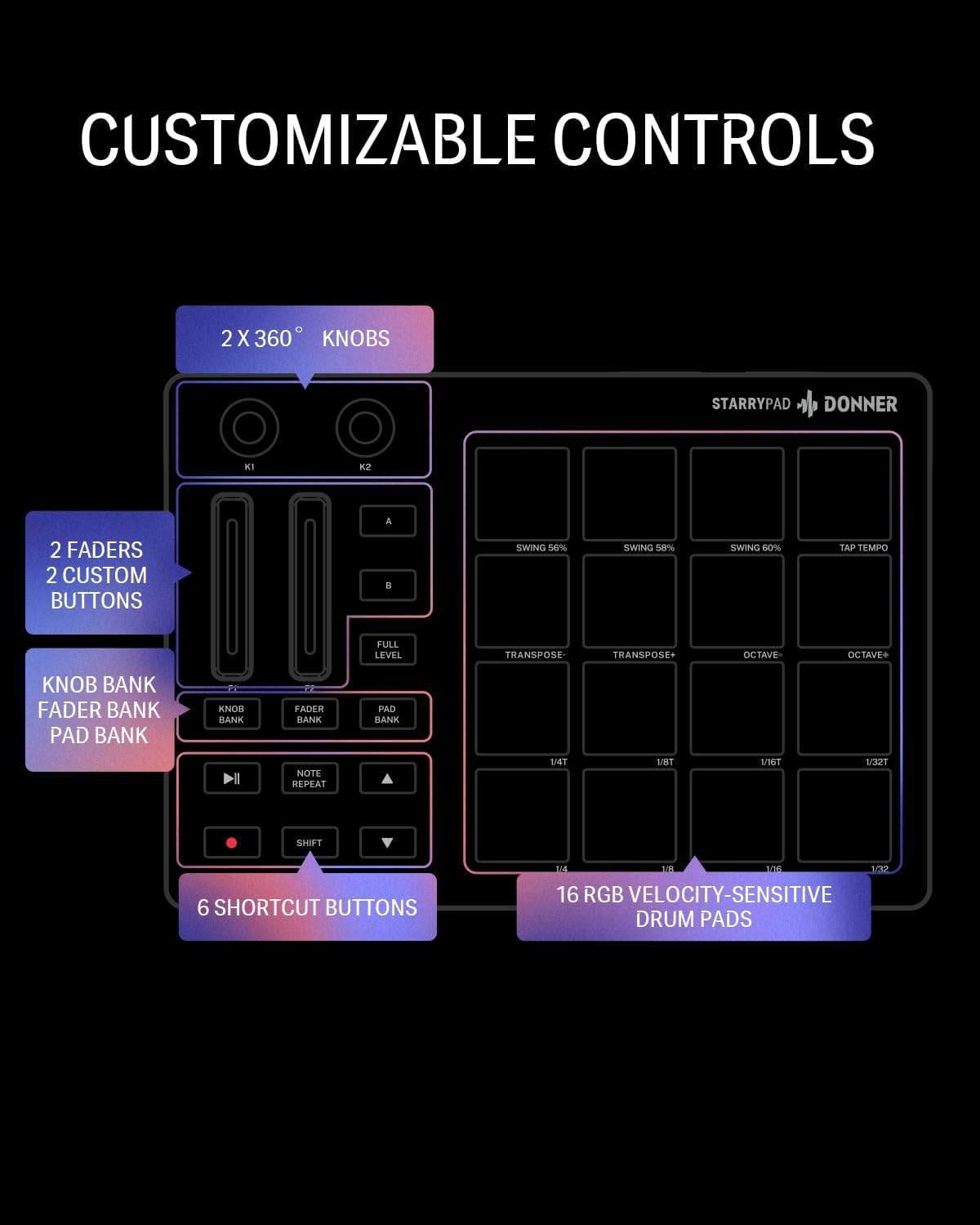
- Additional Control: STARRYPAD midi controller has an additional 2 faders, 2 knobs, and 3 buttons, to customize and match your virtual instrument. The Shift Key brings in another layer of customized control
- Compatibility: The beat machine STARRYPAD is class-compliant to work with everything and comes with a standard USB C power supply and data interface for easy plug and play; Tips: if you want to connect to your iPhone or iPad, you need to buy an Apple Lightning to USB Adapter; The additional MIDI in/out (Cable included) allows you to connect to an external synthesizer or other vintage MIDI equipment
- Customizable lighting: The MIDI controller pad STARRYPAD backlit pad lighting with 7 vibrant colors. Helps you group your instruments with a visual reference; Tips: the editor only can set this drum pad, doesn’t have the function of recording and arranging music
- Boost Your Rhythm Game: Worried about a weak sense of rhythm? Tap Tempo is directly synchronized with DAW to help you quickly grasp the BPMs of any song and play along. In addition, Note Repeat’s ultra-low latency perfectly connects each sample segment without getting stuck or errors! This USB drum pad controller suits you
- Various Compatibility: The beat pads for music production are currently compatible with Android, iOS, Mac, and windows; The midi Pad drum machine needs DAW software to sound, it doesn’t sound alone; The color of the pads can be set like the main picture through software; You can watch the guide videos or download guidance manuals to set up
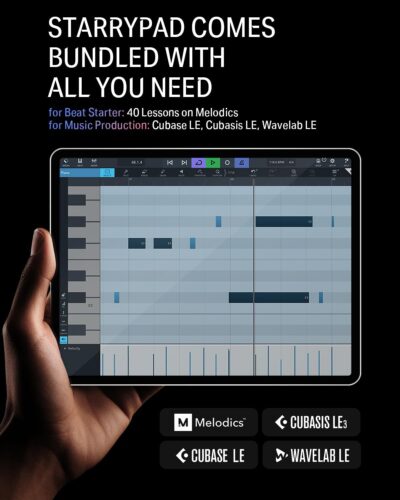
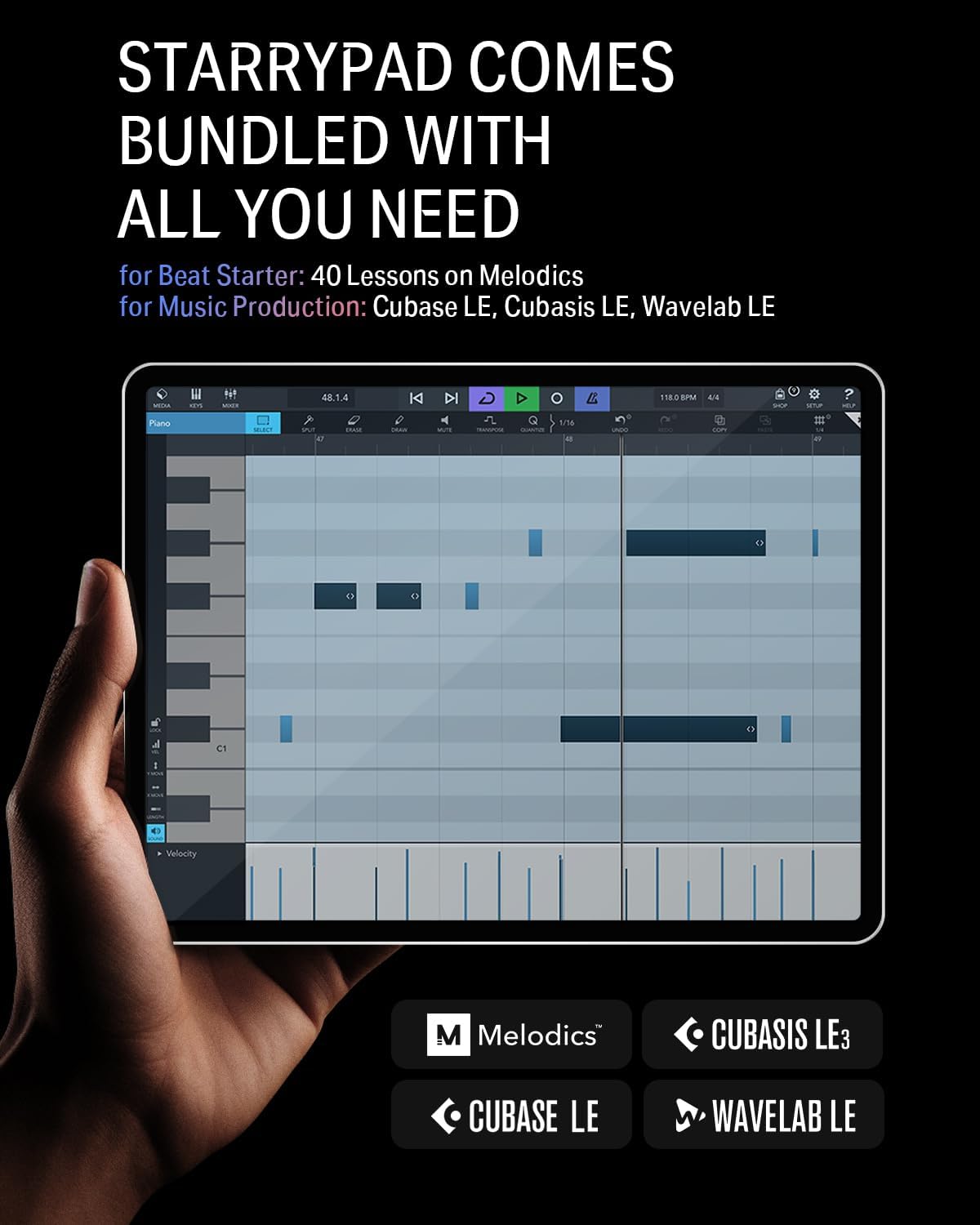
- Courses & DAWs: Also, the drum machine includes Melodics Courses & Cubase LE Software Kit for music production; Remember to get the code from the customer service team and enjoy your musical journey


Reviews
There are no reviews yet.