


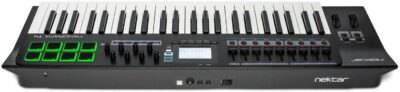
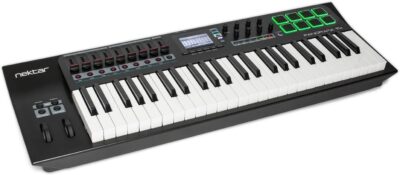
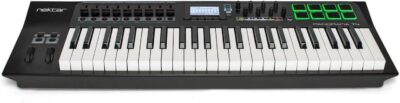
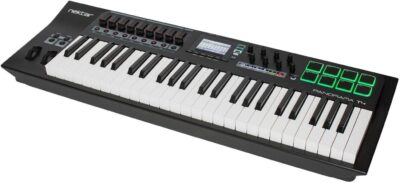

Description
From the manufacturer


DEEP INSTRUMENT CONTROL IN ANY DAW WITH VST / AU SUPPORT
Panorama T4 & T6 are the first controllers to deliver Nektar-level instrument plugin control in any VST/AU compatible DAW. Load patches directly from the keyboard and start controlling parameters immediately, with every change instantly visible on the LED display. Control any instrument plugin with one of the many included maps or customize and create your own. Discover new performance tools like the powerful chord, hold and note repeat functions. Tweak repeat parameters, plugin parameters and record it all in your DAW. Panorama T4 connects to most DAWs delivering track navigation, mixer and transport control with either Nektar DAW integration or MCU compatibility. Experience the unsurpassed integration of Panorama T4!
KEYS & PADS
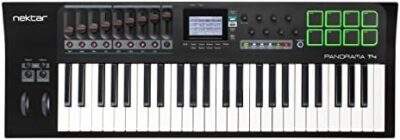
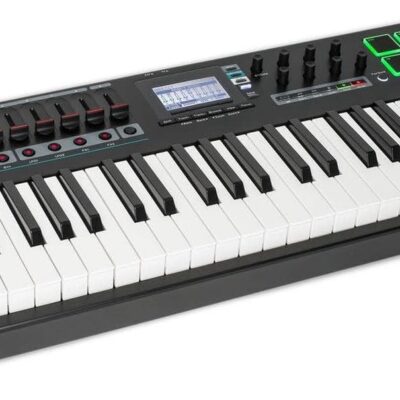
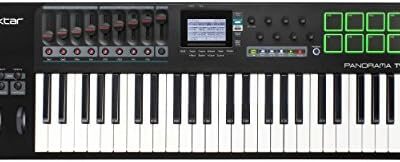
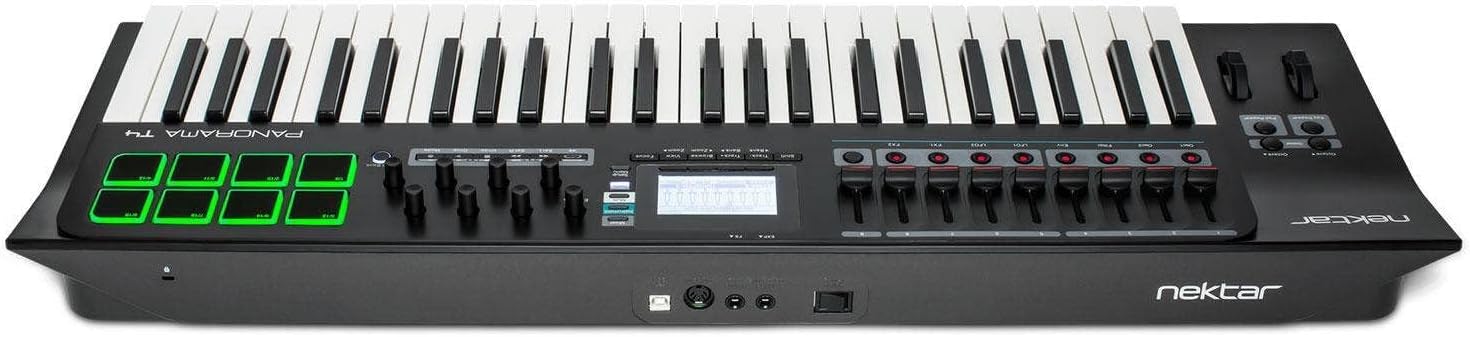
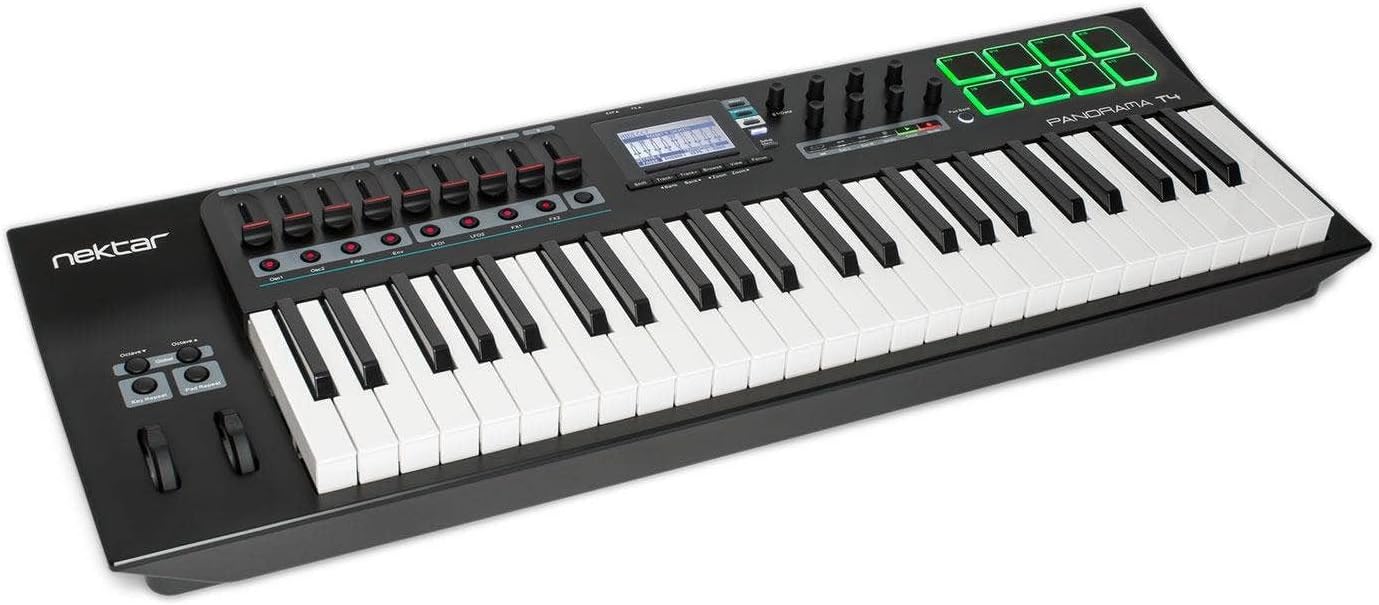
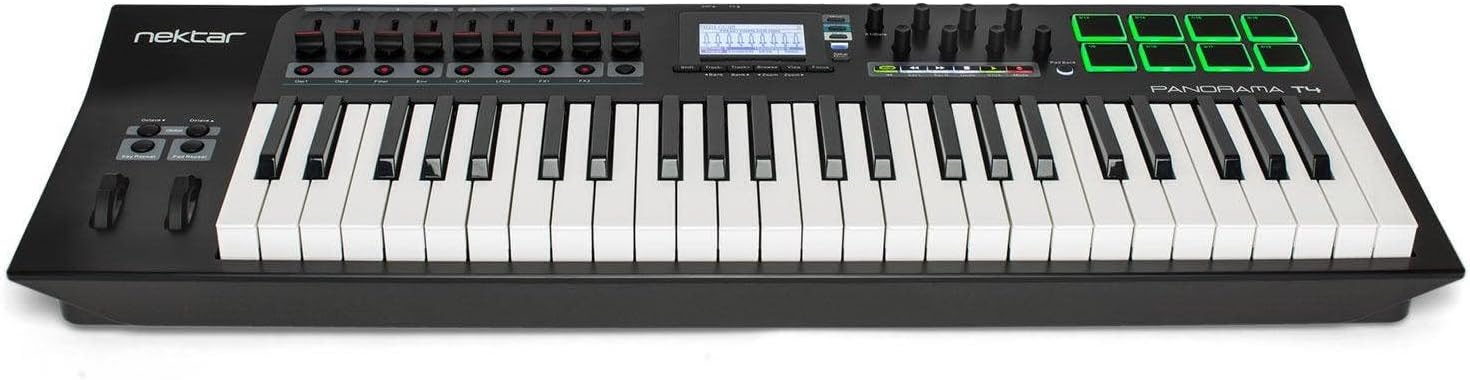
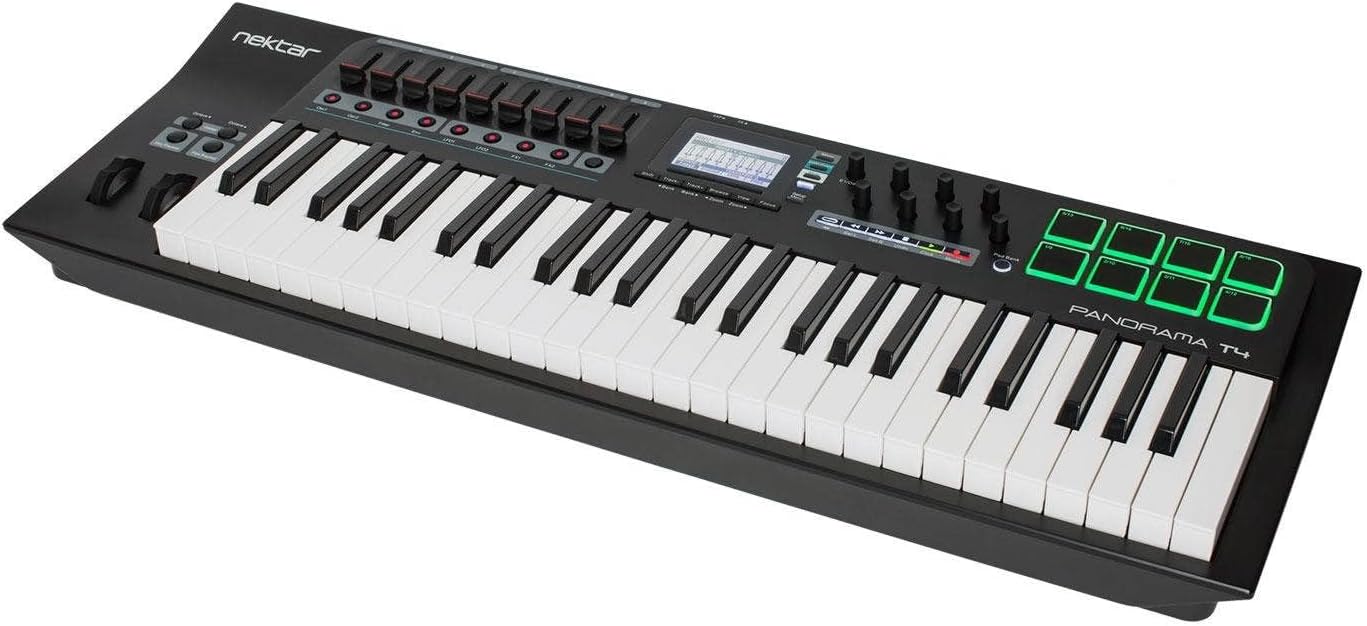
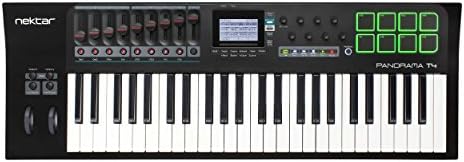
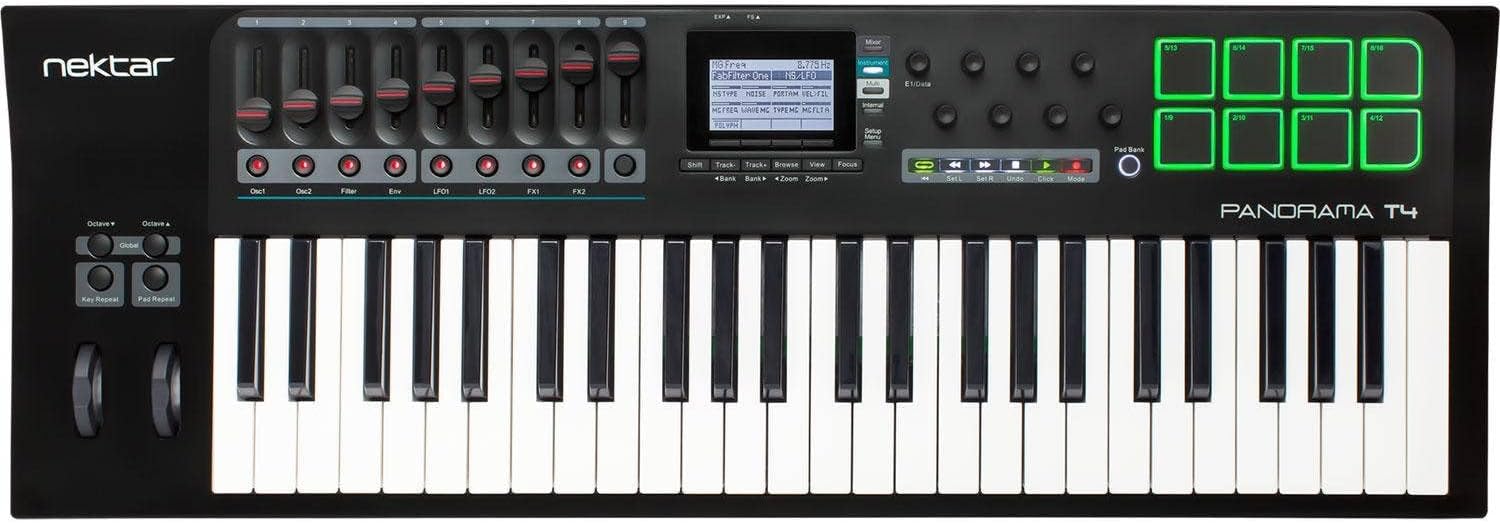
49 note 2nd Generation synth-action keyboardAftertouchExpression & pedal sockets8 super-sensitive pads with pressureChord: Trigger up to 6 notes from one key or padHold: Holds played notes indefinitely
NOTE REPEAT
Inspiring performance toolReal-time control of trigger rate, accent, swing & gateSeparate settings for keys & padsDedicated repeat on/off buttonsSync to external clockControl velocity with pressure or wheels
NEKTARINE
Instant access to deep Nektar plugin control in any VST/AU DAWCustomise mapping or create plugin maps from scratchBrowse patches directly from Panorama T4Layer up to 8 VST/AU plugins with mix control
DAW CONTROL
Works with any MIDI music software via MCUNektar DAW integration included for Bitwig, Cubase, GarageBand, Logic, Nuendo, Reason, Reaper and Studio One

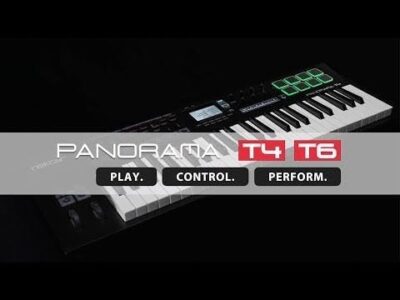
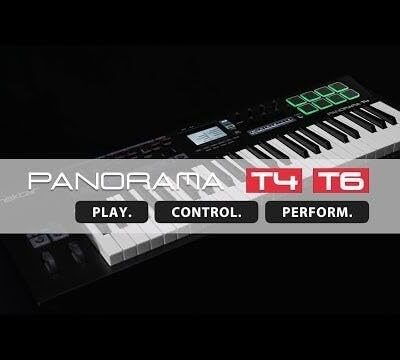
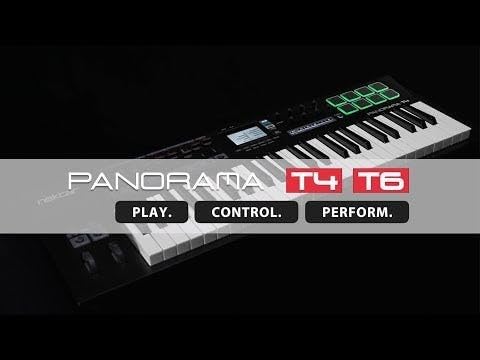
PLAY. CONTROL. PERFORM.
Deep instrument plugin control in any VST/AU DAWWorks with any MIDI music software via MCUNektar DAW control for 8 DAWsSupports Windows, Mac OS X, Linux (Ubuntu) & Apple iOS (req. camera connection kit)

KEYBED WITH AFTERTOUCH
The 2nd Gen Panorama keybed is our most expressive keybed yet. Dampened and carefully balanced across the keyboard with medium tension, it has a nice firm feel. Five velocity curves shift the emphasis from soft to hard, giving enough choice to cater for any playing style. A fixed option enables velocity values to be set by controls, including the wheels. Easily triggered and controlled, AfterTouch makes it possible to dynamically alter tone or volume by gently applying just a bit of pressure.

HIGH DEFINITION PADS
The 8 large velocity & pressure sensitive pads are great for beat creation. Triggering at an extremely low threshold, they will even capture ghost notes and flams. Assigning sounds to pads couldn’t be easier: Activate Pad Learn, select a pad, play the required note on the keyboard – done! You can even assign chords to the pads and use the Pad Repeat feature to create interesting rhythmical figures. A Pad Bank button gives access to another 8 pads, for a total of 16 pads within a pad map. 8 pad maps are available for recall at any time. Velocity Spread spreads the last played note across all 16 pads, each with its own fixed velocity, making it easy to create nuanced dynamics.
With DAW Integration, drums synths such as Reason’s Kong or Bitwig’s Drum Machine are automatically mapped for a tightly integrated drum machine feeling, with full visual feedback on the pads.

KEY & PAD REPEAT
Repeat is a fun way to look for ideas and facilitate “happy accidents”, regardless of whether you are adding flams to drum beats or creating big repetitive chord progressions. Pressing the Key and Pad Repeat buttons activates the repeat function, repeating notes at the set rate. Change the rate in real-time from 1/4 – 1/96 note values, change the tempo, add swing and set an accent interval.
Pad and Key Repeat settings are independent of each other, so one can be set for the drum beat and the other for an instrumentation part. The Repeat’s trigger mode can be set to repeat from the point of playing a note or to sync with the beat. Clock source can either be internal or external MIDI clock.

ACCESS ALL AREAS
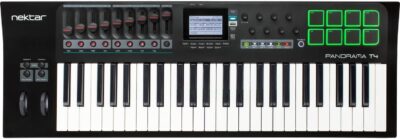
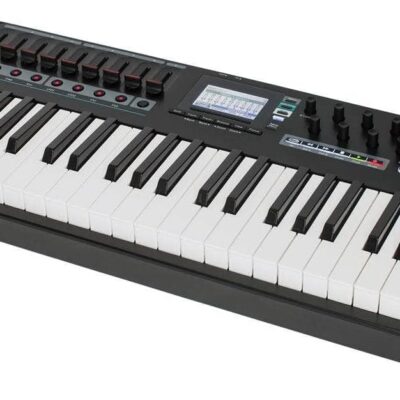
Panorama T4 sports 9 30mm faders, 8 assignable LED buttons and 8 encoders. Each control is fully programmable to send any MIDI CC message for use with hardware or software MIDI products.
When used with Nektar DAW integration or Nektarine, the controls provide flexible pre-mapped DAW- or plugin-control, for deep tactile control right from the hardware. The DAW integration also features automatic catch-up and soft-takeover functions to avoid parameter jumping when you switch between devices. Our “Null” function additionally allows you to do this without relying on software feedback with independent settings for each mode.
Control settings can be stored in any of Panorama’s 10 presets for recall at any time.

LCD DISPLAY
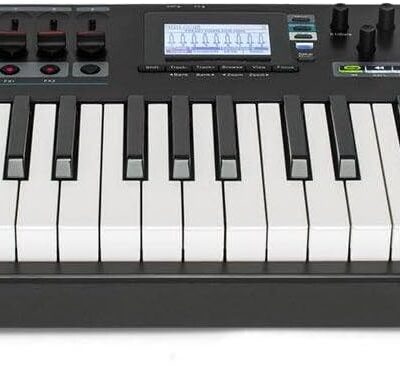
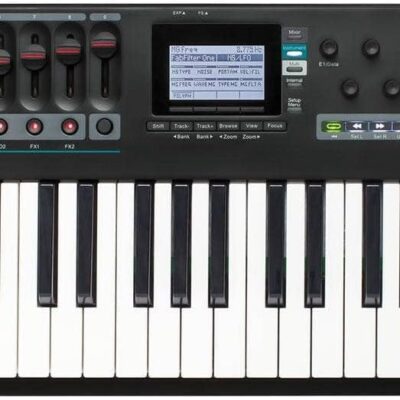
The custom LCD display provides crisp and clear feedback for all your settings: Here is where you select Panorama’s different modes, access global parameters and navigate your software. With DAW Integration and Nektarine, you will even see your software’s mixer and plugin parameters right there.
The 4 soft buttons below the display will change their function according to the selected menu for fast access. The 4 mode buttons to the right of the display allow you to change from internal mode to DAW or plugin control at the touch of a button. The Multi button is reserved for Nektarine.
Pressing the FOCUS button enlarges the current parameter to fill the whole screen.

CONTROL YOUR DAW
Panorama is compatible with any DAW that supports Mackie Control Universal (MCU) right out of the box. This includes transport functions, basic mixer level and pan control as well as track up/down selection via dedicated buttons below the display.
With Nektar DAW Integration installed, Panorama hooks up automatically to your DAW and gives you extended control features with detailed parameter feedback on the display. Navigate projects, alternate fader 9 between master and current channel volume control, toggle the LED buttons between solo/mute and more. Depending on your DAW, you can also use the display buttons to switch the encoders to control sends or smart-/quick-controls. Panorama even has shortcuts for opening and closing your DAW mixer and plugin windows. Internal devices are pre-mapped for instant use and basic maps as well as the “grab” feature let you control external plugins in seconds.
Supported DAWs: Bitwig, Cubase, Garageband, Logic, Nuendo, Reaper, Reason and Studio One

NEKTARINE PLUGIN CONTROL
Nektarine is a plugin host that can be loaded into any VST/AU compatible DAW for complete control of any VST/AU instrument plugin: Simply load your VSTi in Nektarine and take control! Most popular plugins are pre-mapped for instant use. A graphic editor enables complete customisation of existing and the creation of your own maps. Create pages, rename parameters, map to controls, update mapping as you work.
The Browser page is where you find your sounds. Patches for any compatible plugin can be recalled, edited and saved. Better still, you can recall patches directly from Panorama T4.

MIDI & USER PRESETS
If you prefer to control MIDI hardware products, Panorama T4 can do that as well. The Control Edit menu makes it easy to program any of the controls to send MIDI messages from standard MIDI cc, RPN and NRPN, MMC and of course note messages. Buttons and pads can even be set up to load specific Panorama T4 presets or pad maps as well as trigger chords.
There are 10 presets to store control setups and a further 8 pad maps storing 2×8 pad assignments each. Once controls are programmed as they should be, connect your MIDI equipment to the MIDI output jack and get started. You can use the repeat buttons to expand your performance options as well as of course the chord and hold functions.
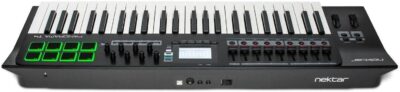
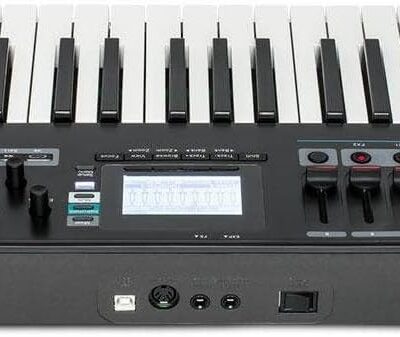
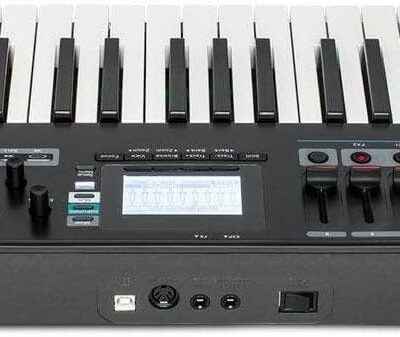
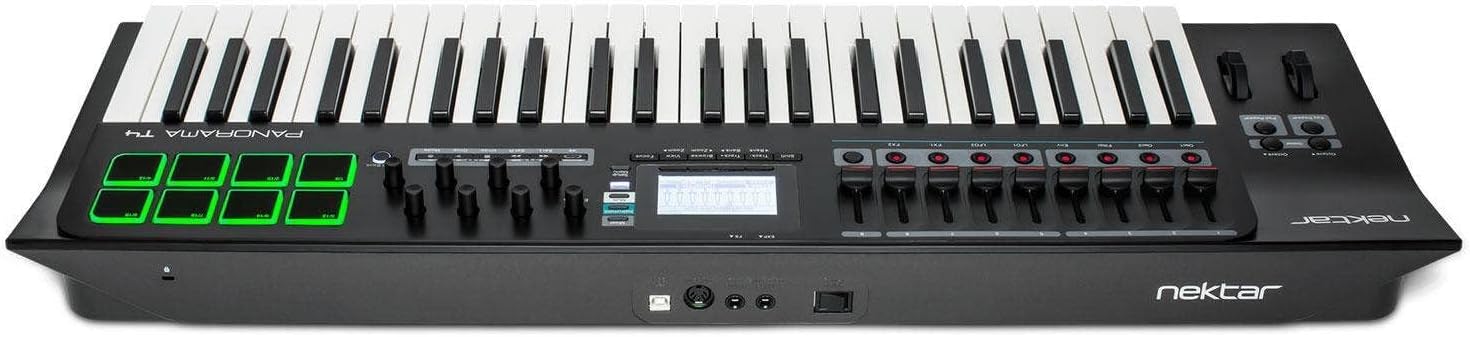
- Premium quality MIDI controller keyboard with power DAW integration and Nektarine plugin control . 49 semi-weighted full-size velocity-sensitive keys + 8 back-lit hyper-sensitive drum pads, 9 faders, 8 knobs, hi-res display, pitch bend, modulation + octave & transpose buttons + sustain & expression pedal sockets + MIDI 5-pin Out.
- Nektar DAW integration for most popular DAWs + MCU Support + Nektarine PlugIn Control for Instruments and Effects
- Comprehensive MIDI functionailty. Compatible with all MIDI music software applications
- Mac and PC compatible
- Includes Bigwig Studio 8-track DAW + sound content package


Reviews
There are no reviews yet.